The Feedverse guide

Roleplay on a feed, like real social media. Each universe has its own characters, timeline, DMs and Pics.
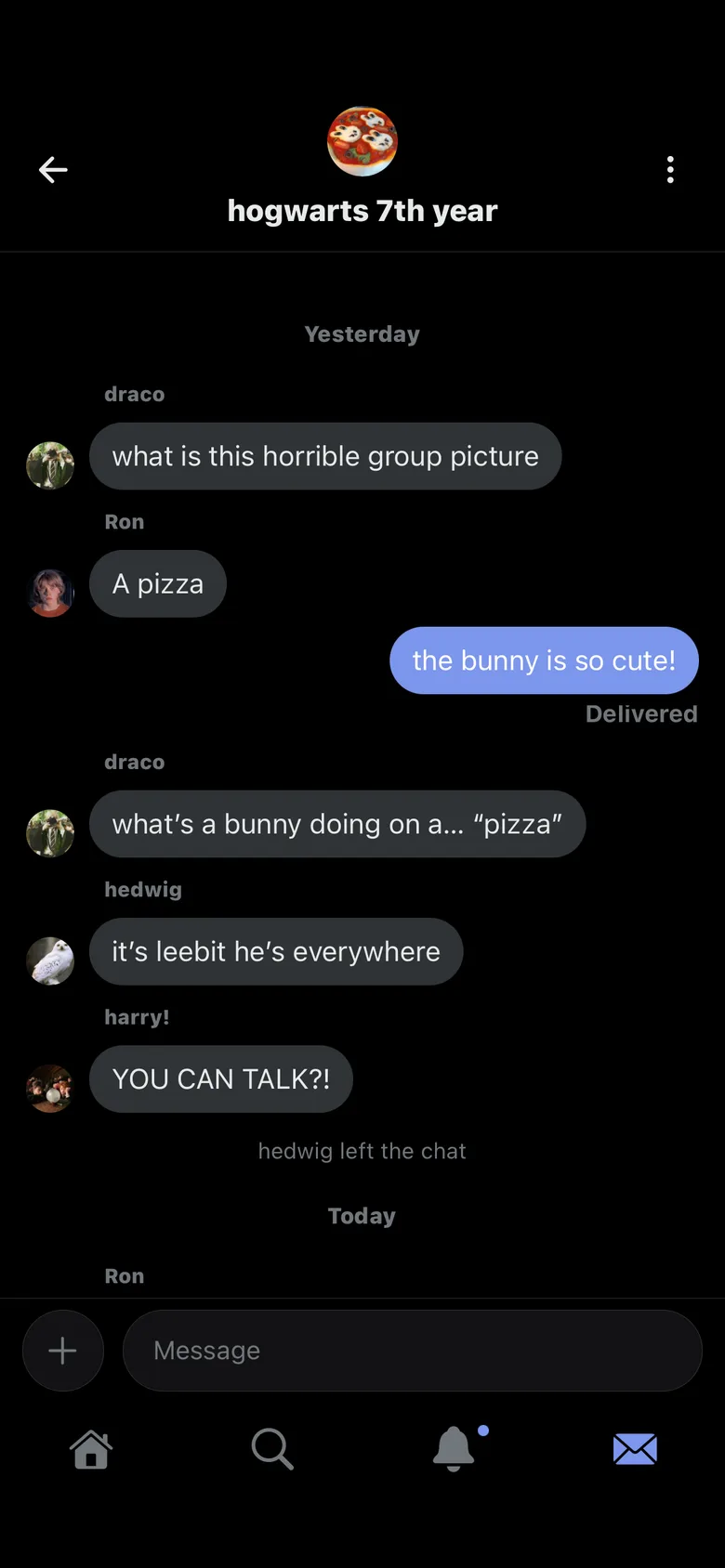
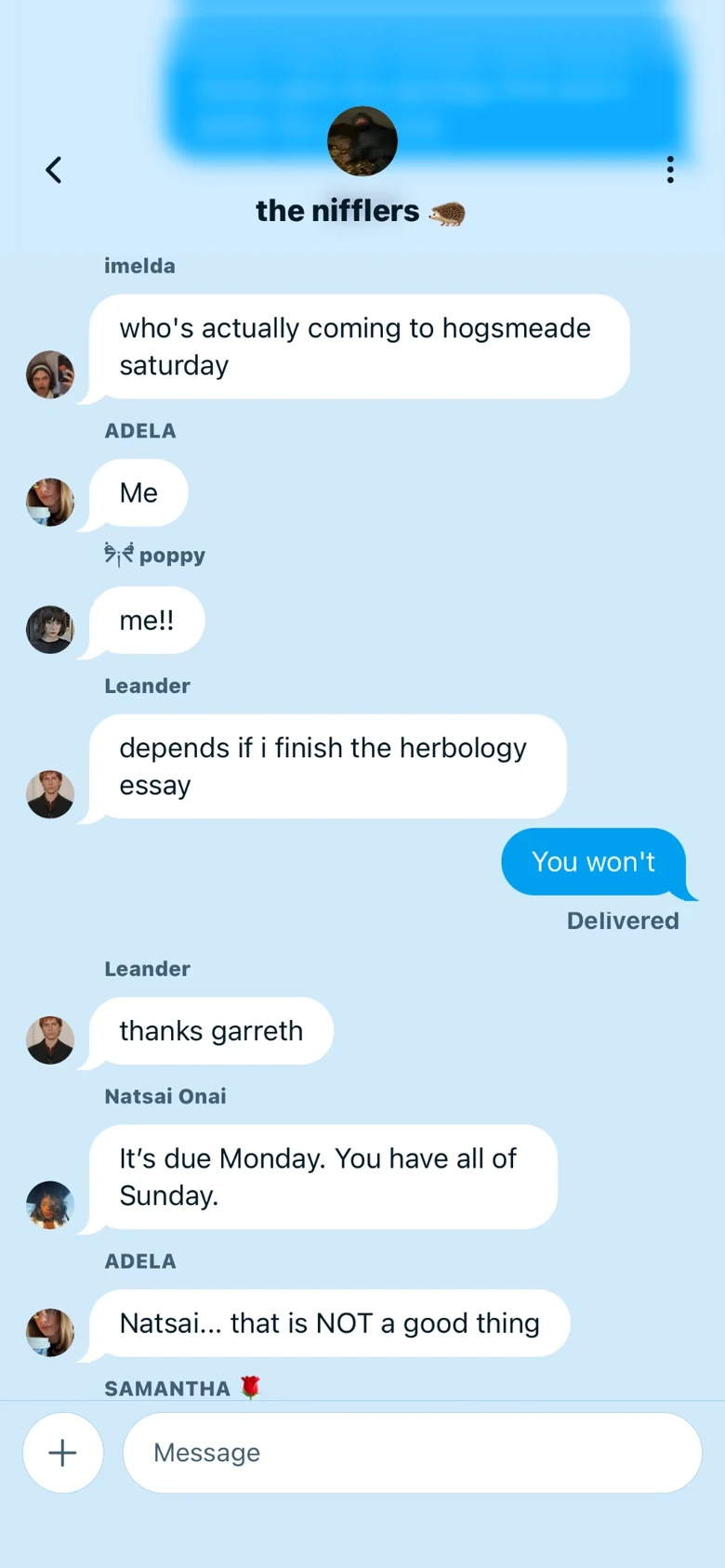
A group chat between characters
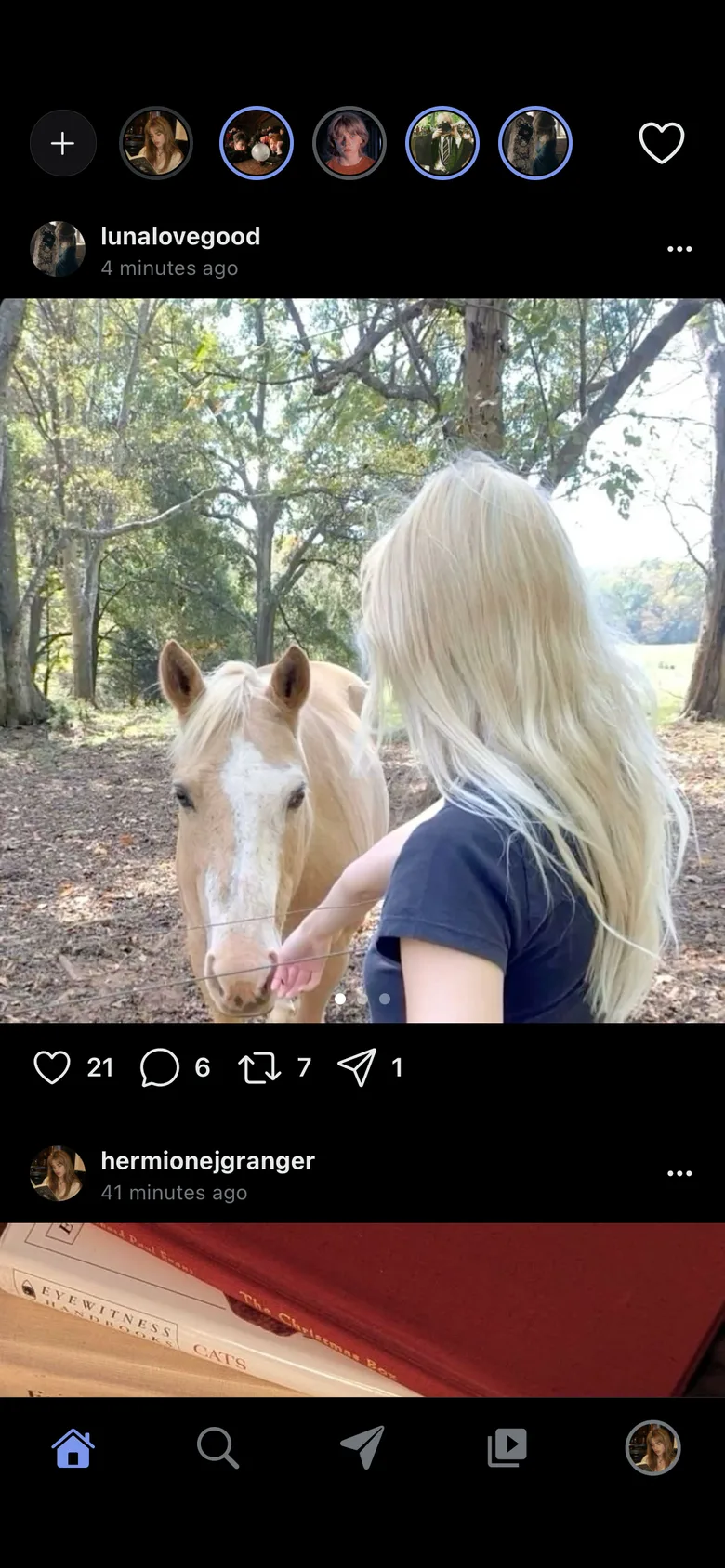
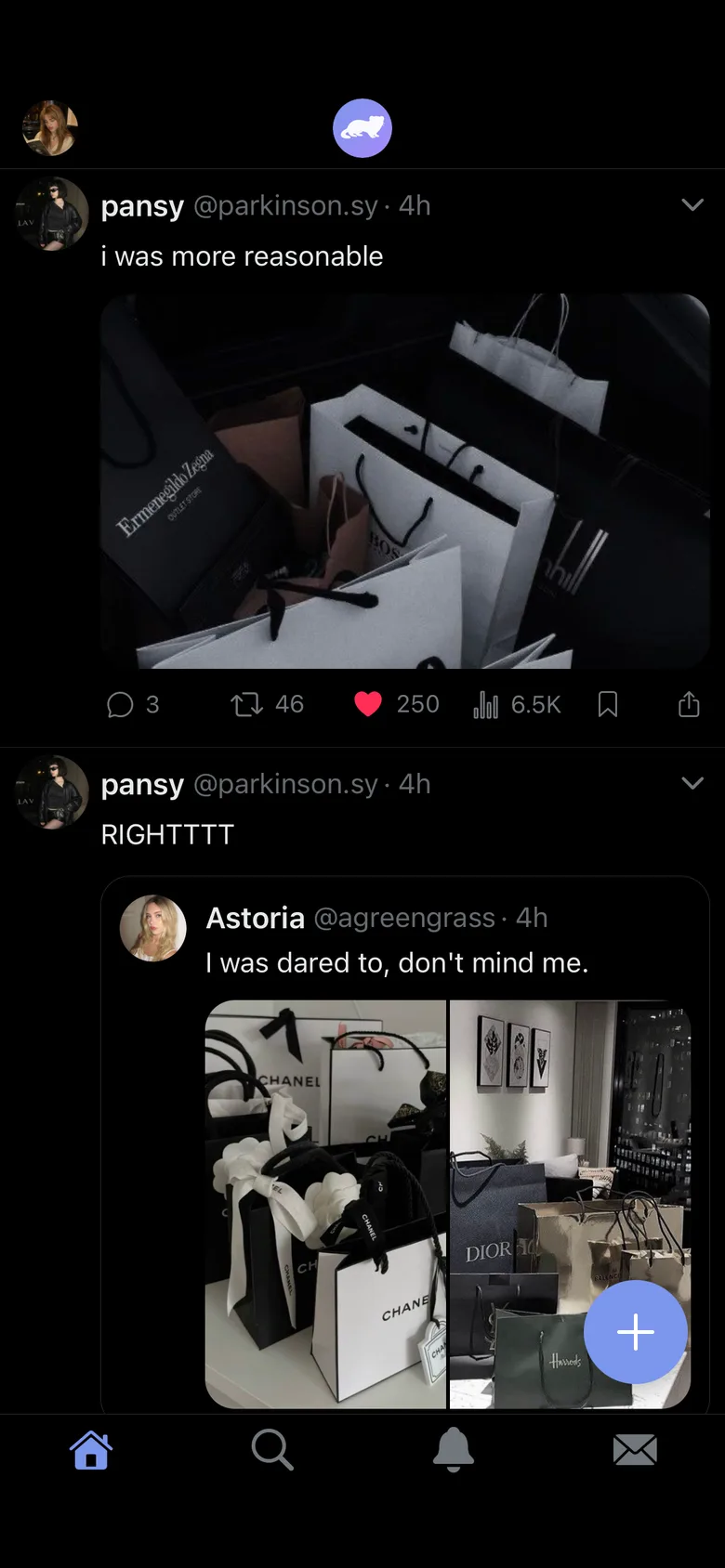
The Pics feed

Create or join a universe

A universe is one world, with its own members, characters, timeline and DMs.
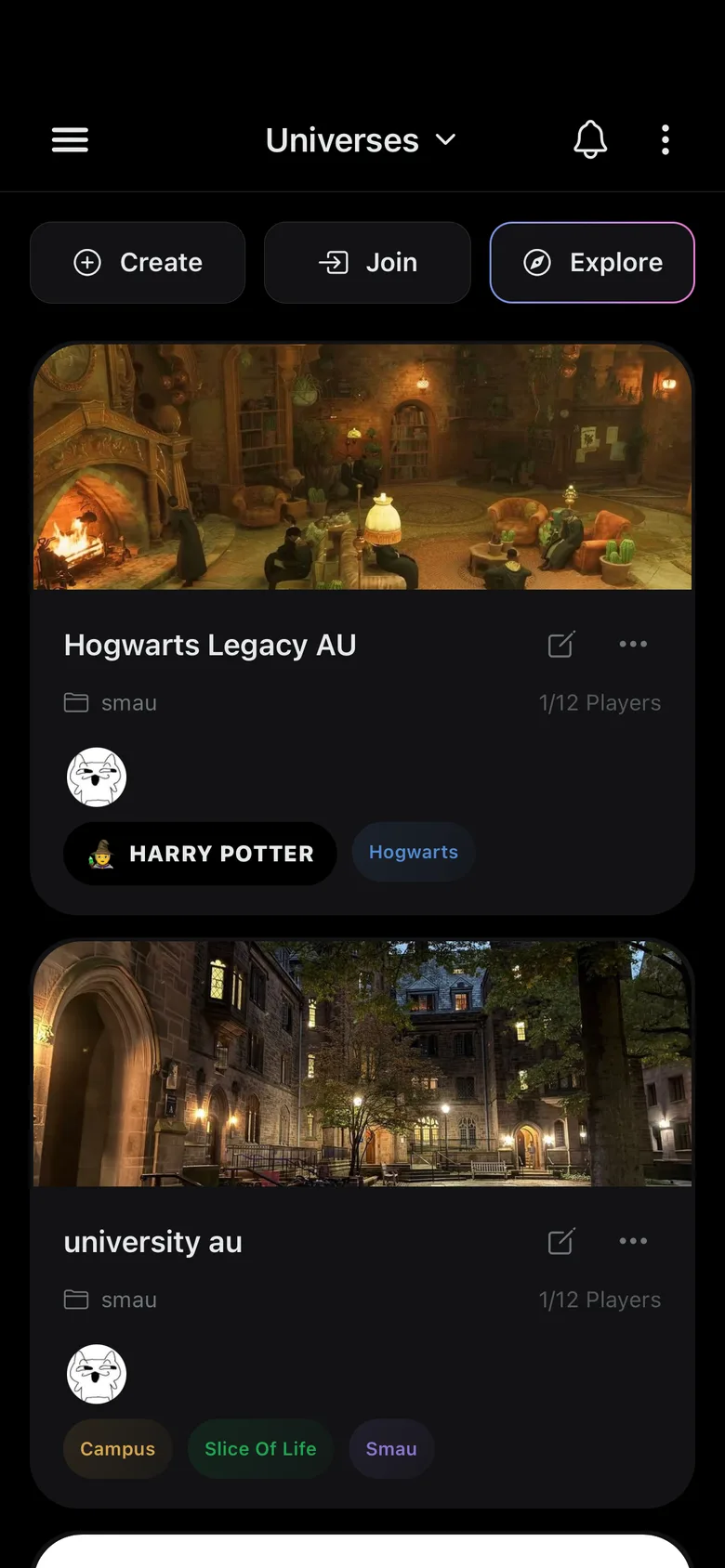
  • CreateMake a private universe and share its invite code with your friends.
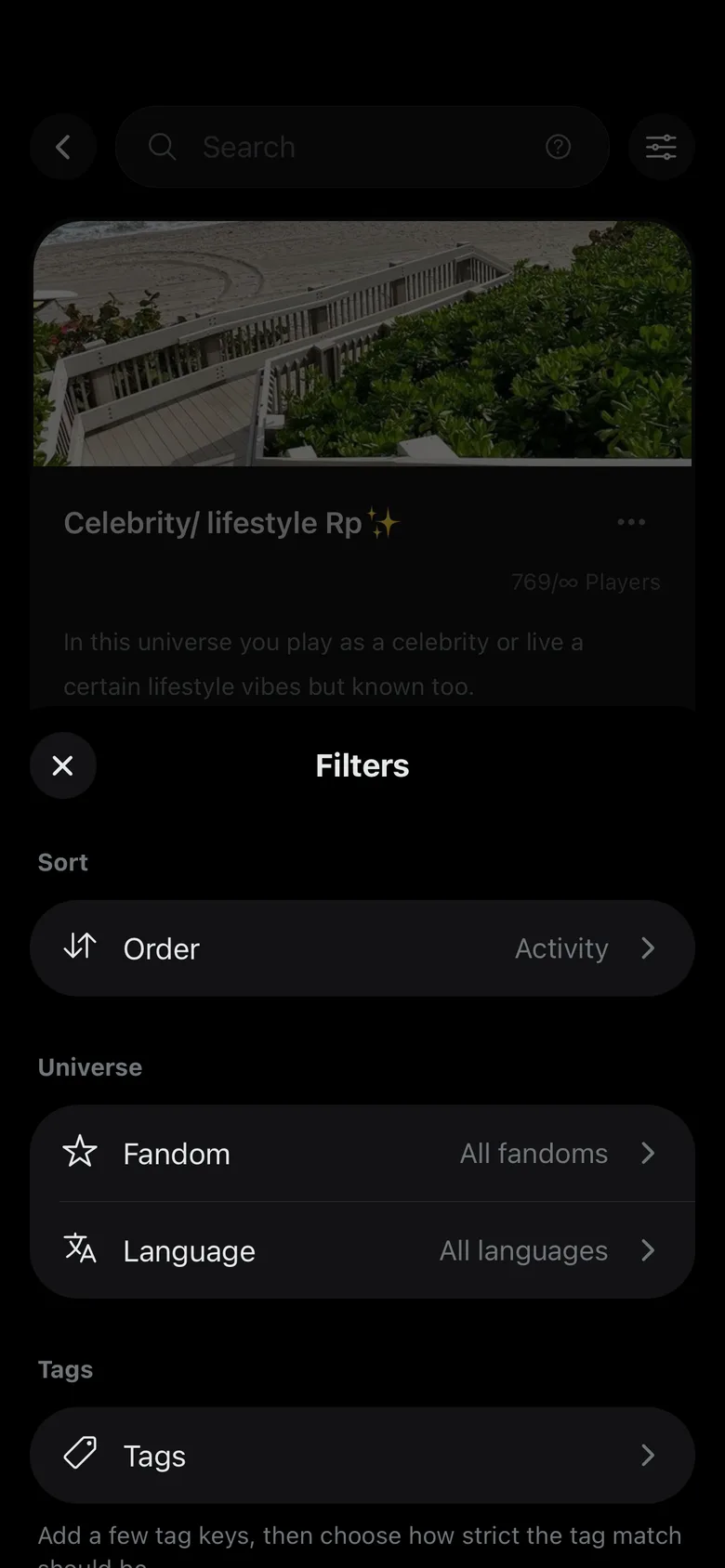
  • ExploreJoin a public universe from Explore, filtered by fandom, language and tags.
  • FoldersSort your universe list into folders, like Active, Planning and Archived.
  • ImportBring in a universe exported from Feedverse, from the universe menu.
The list of universes
Explore

Create a universe

A name, a cover and a description are all a universe needs to start.
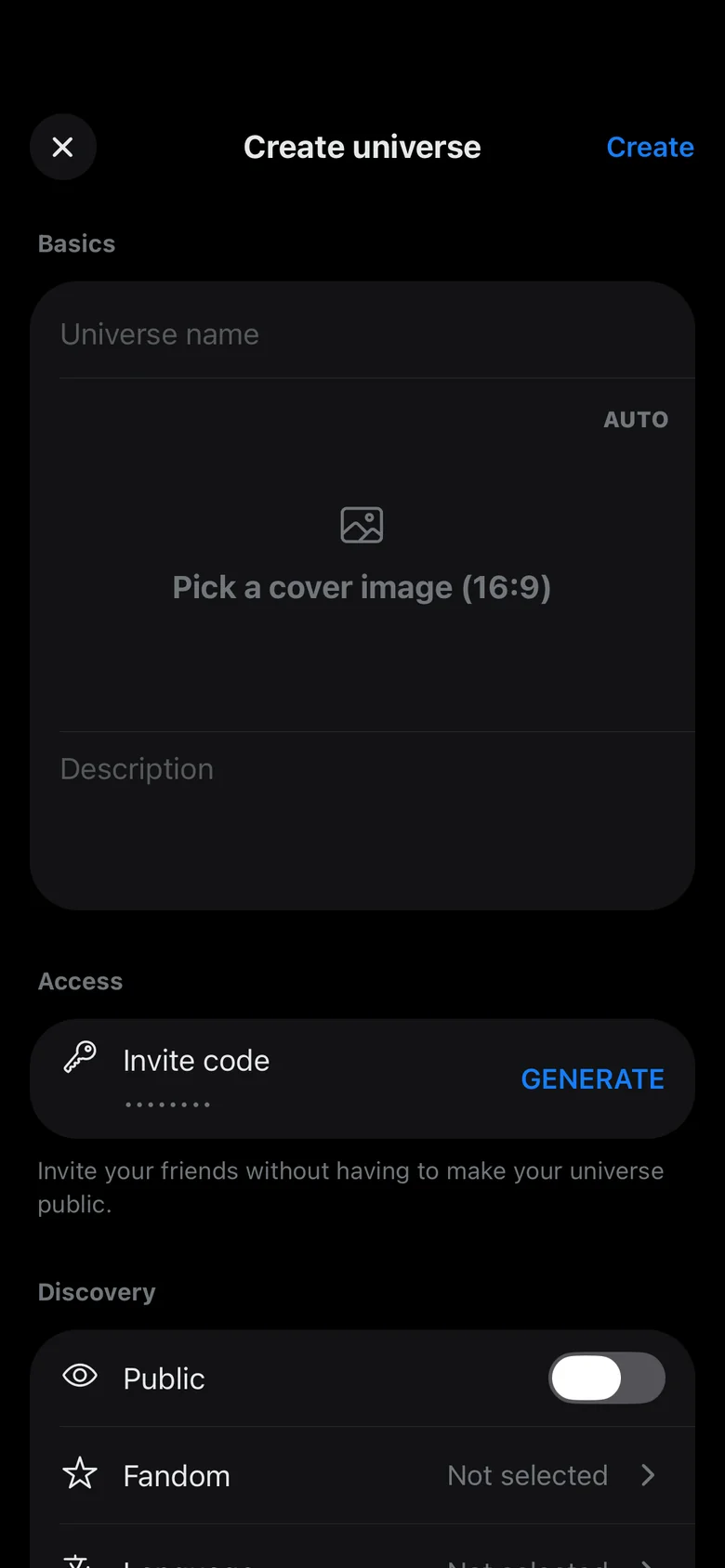
  • Invite codeGenerate a code and send it to your friends, so they can join without the universe being public.
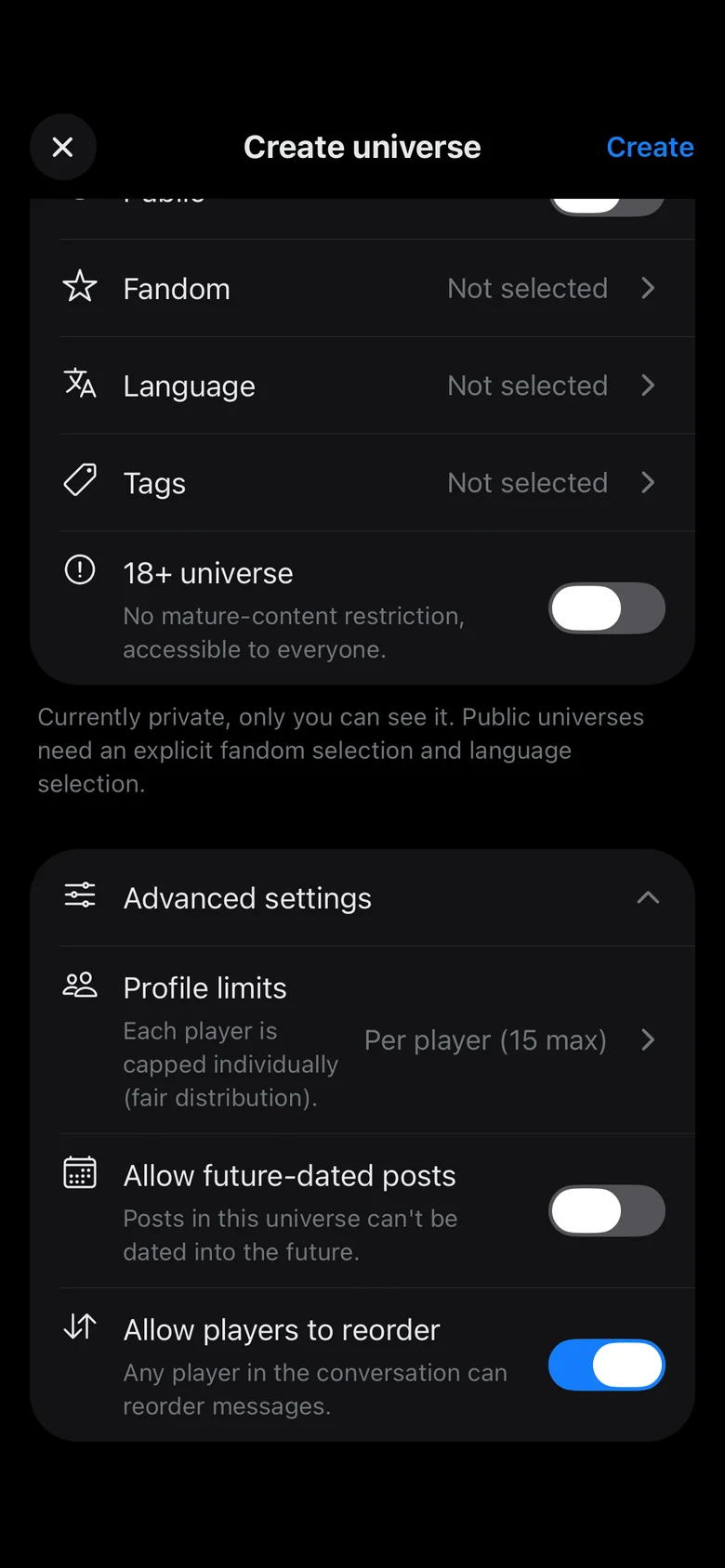
  • Public or privateA private universe is only seen by its members. A public one shows up in Explore, with its fandom, language and tags.
  • Advanced settingsChoose how many profiles each player can make, whether posts can be dated in the future, and whether players can reorder messages.
Creating a universe
A universe's advanced settings

Play as many characters as you want

Each character has their own handle, bio, posts and DMs.
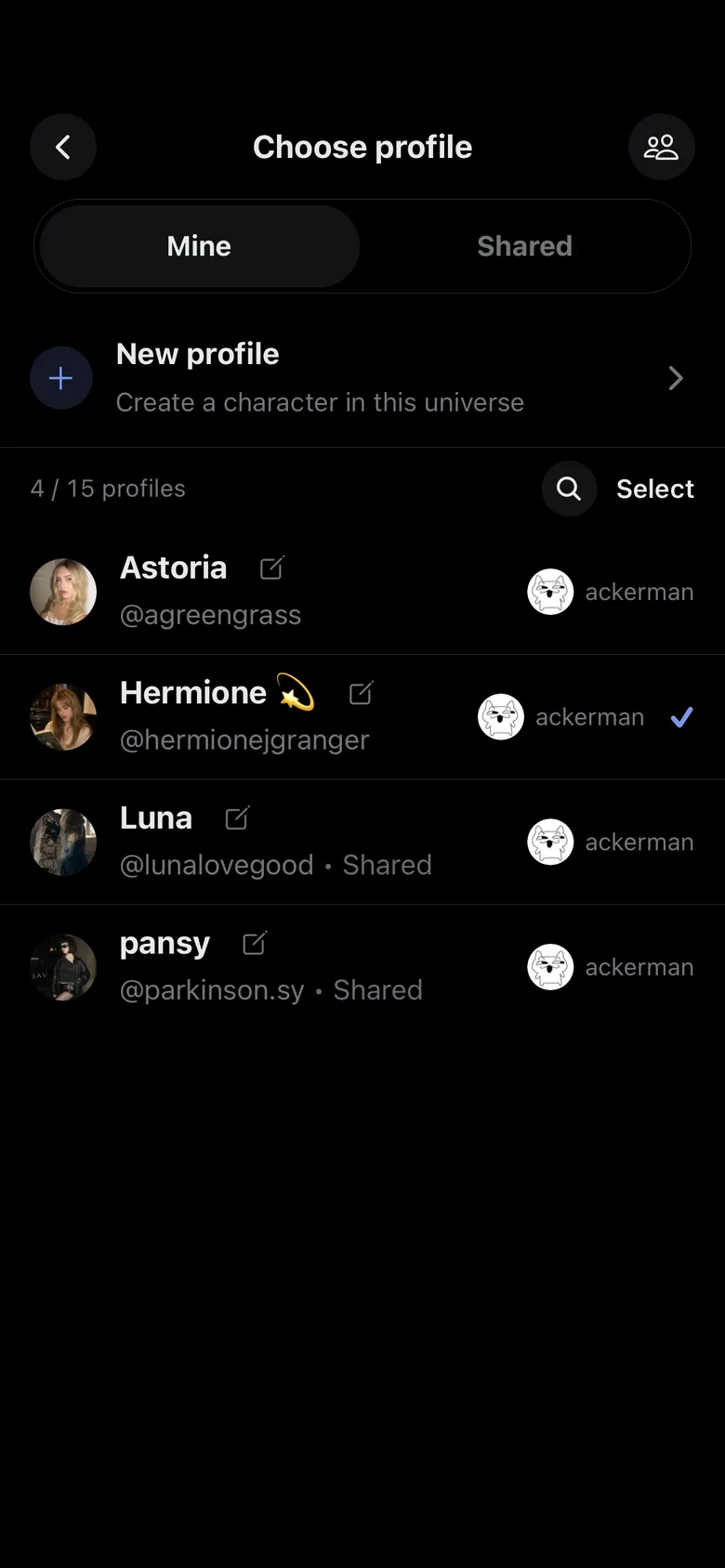
  • Up to 15 characters per universePremium removes the limit.
  • Shared profilesMembers can all play a shared profile, for news accounts, schools or NPCs.
  • Switch anytimePick who you play from the profile picker.
Choosing which character to play
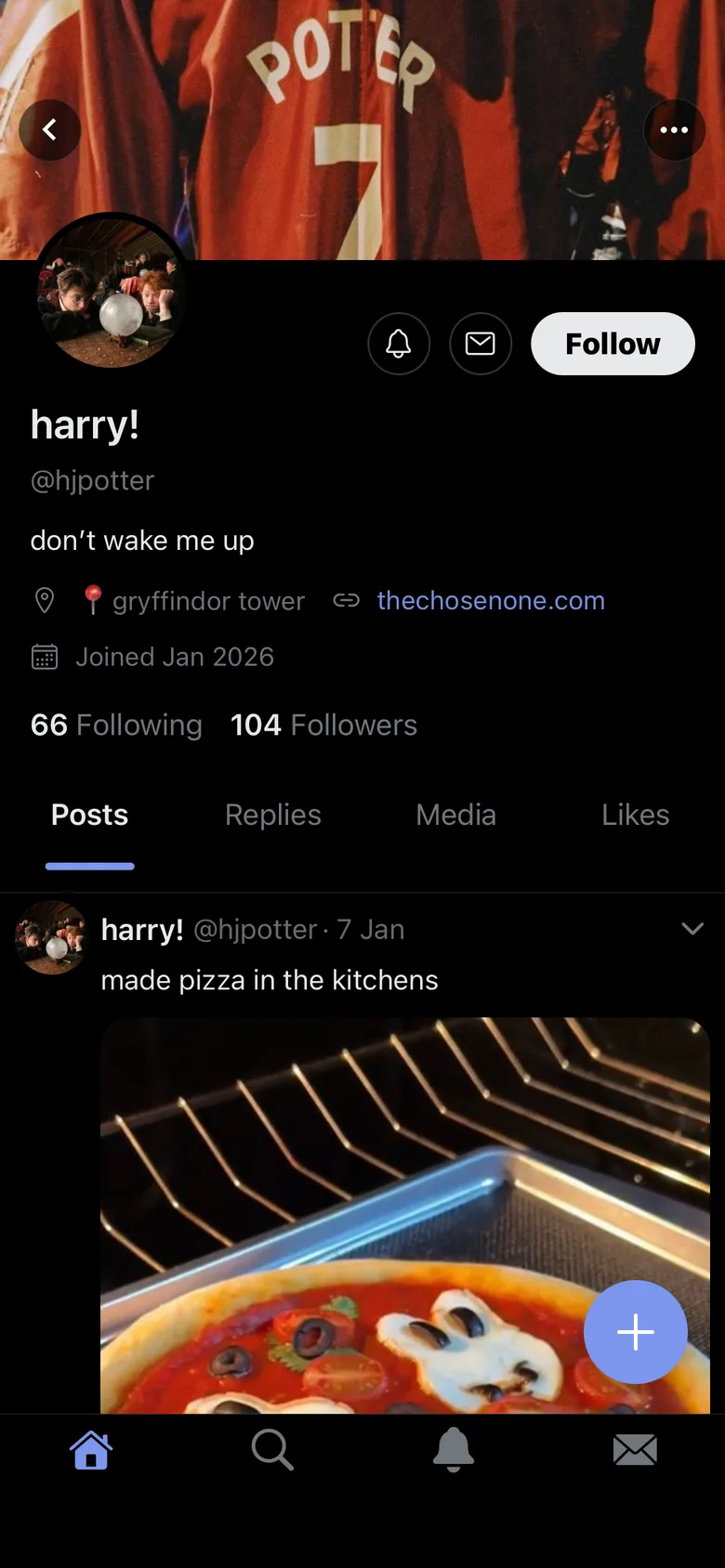
A character's profile

Make a character

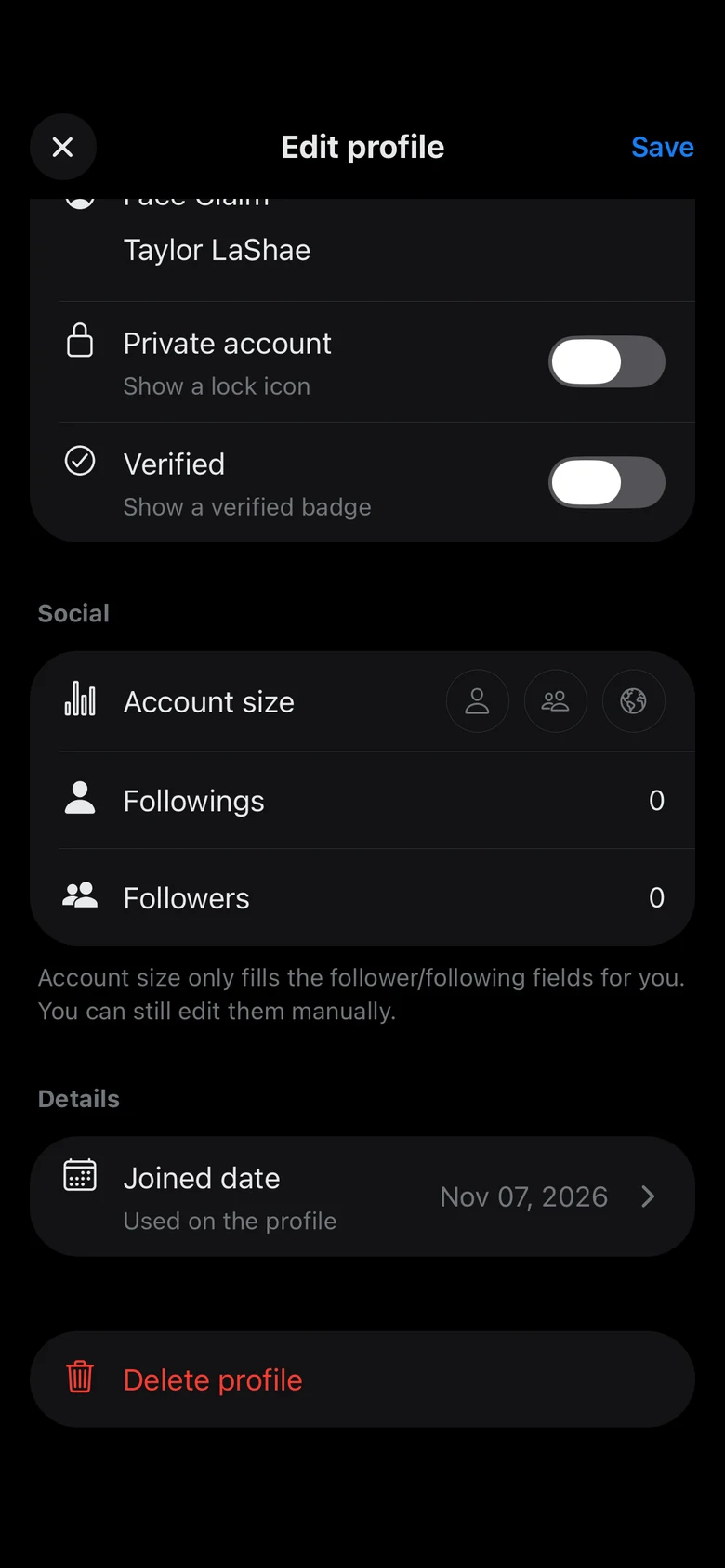
A profile has the name, handle, bio, avatar and banner you give it.
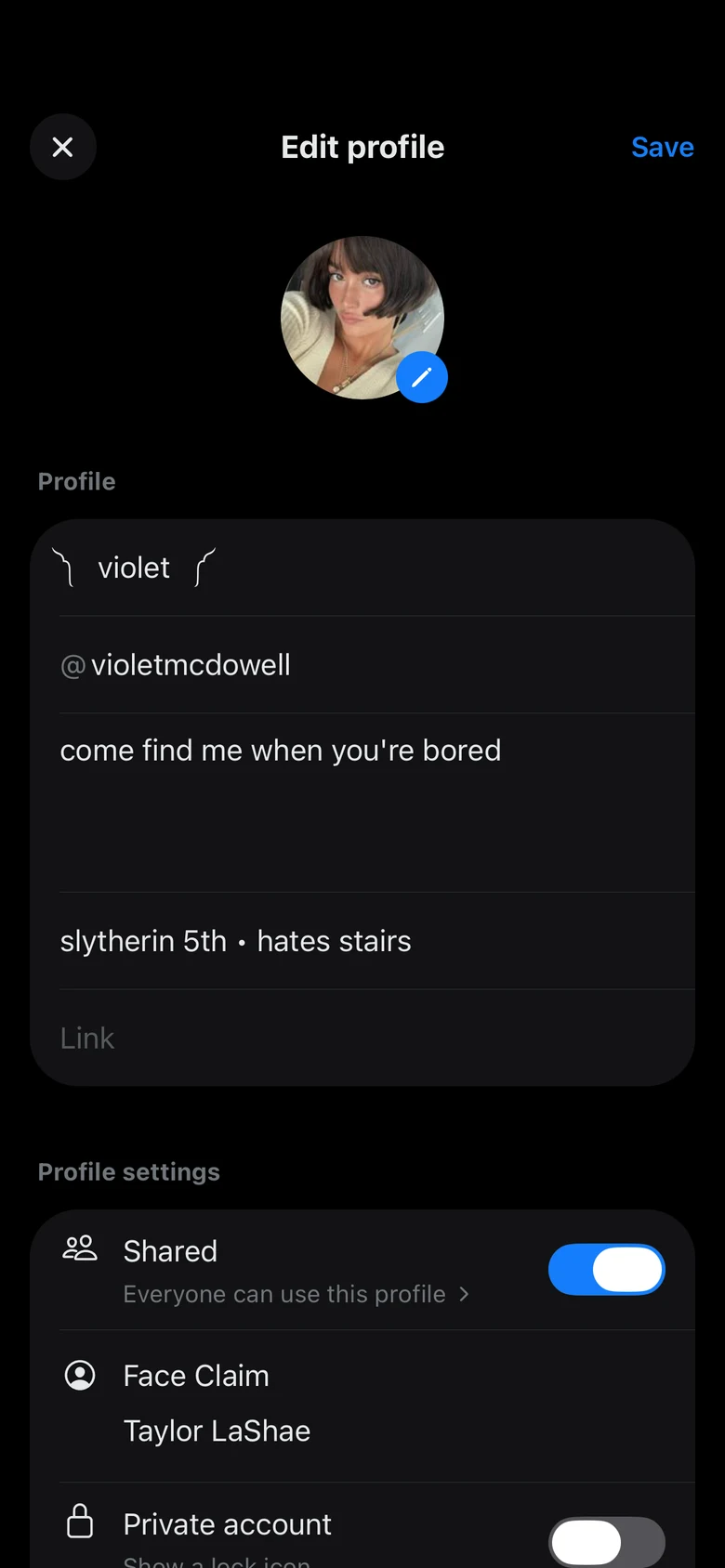
  • Shared, private or verifiedA shared profile can be played by every member, a private one shows a lock and a verified one shows the badge.
  • Followers in one tapPick an account size and the followers and following are filled in for you, then change them as you like.
  • Joined dateSet the date the character joined, shown on their profile.
Editing a profile
A profile's settings

Post as your character

The feed is where the public side of the story happens.
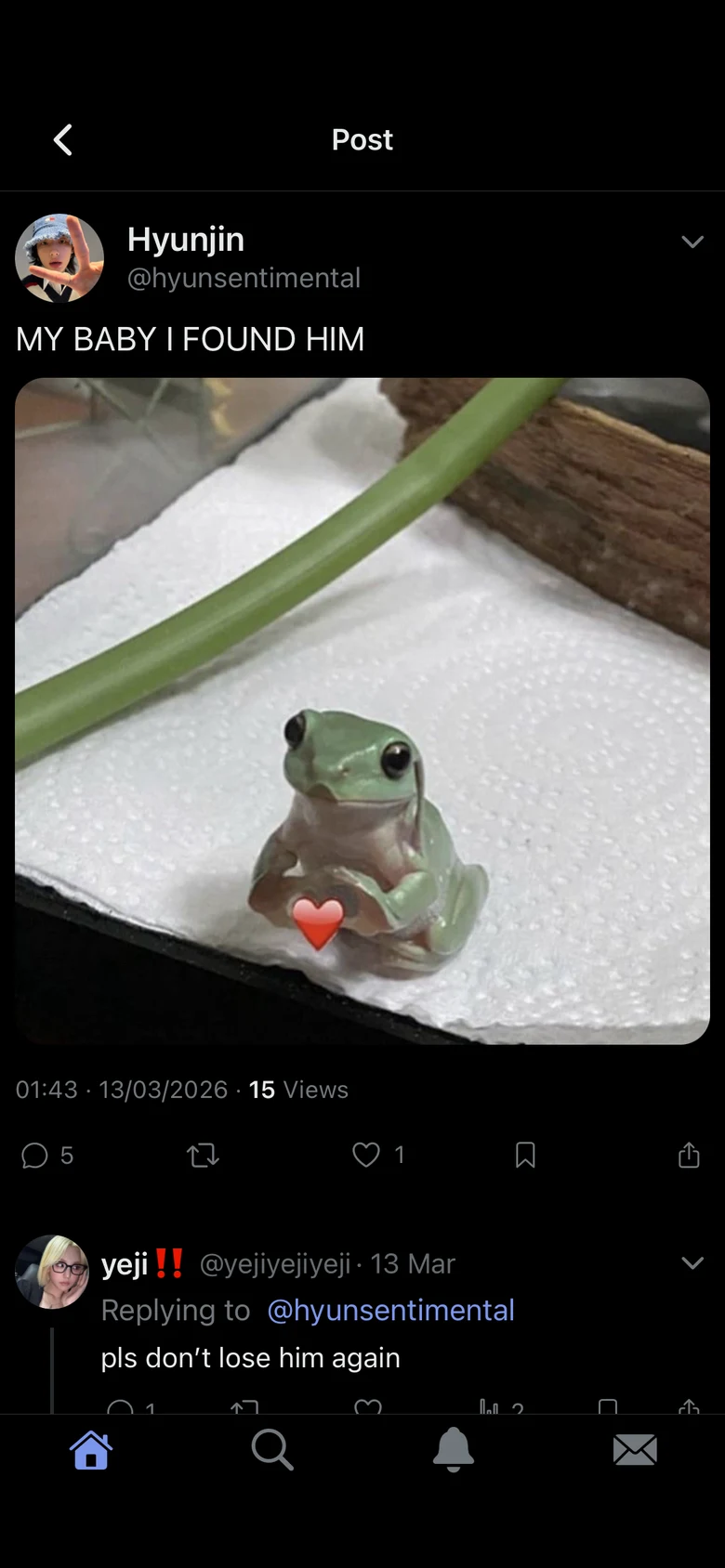
  • Posts and threadsWrite a single post or a whole thread.
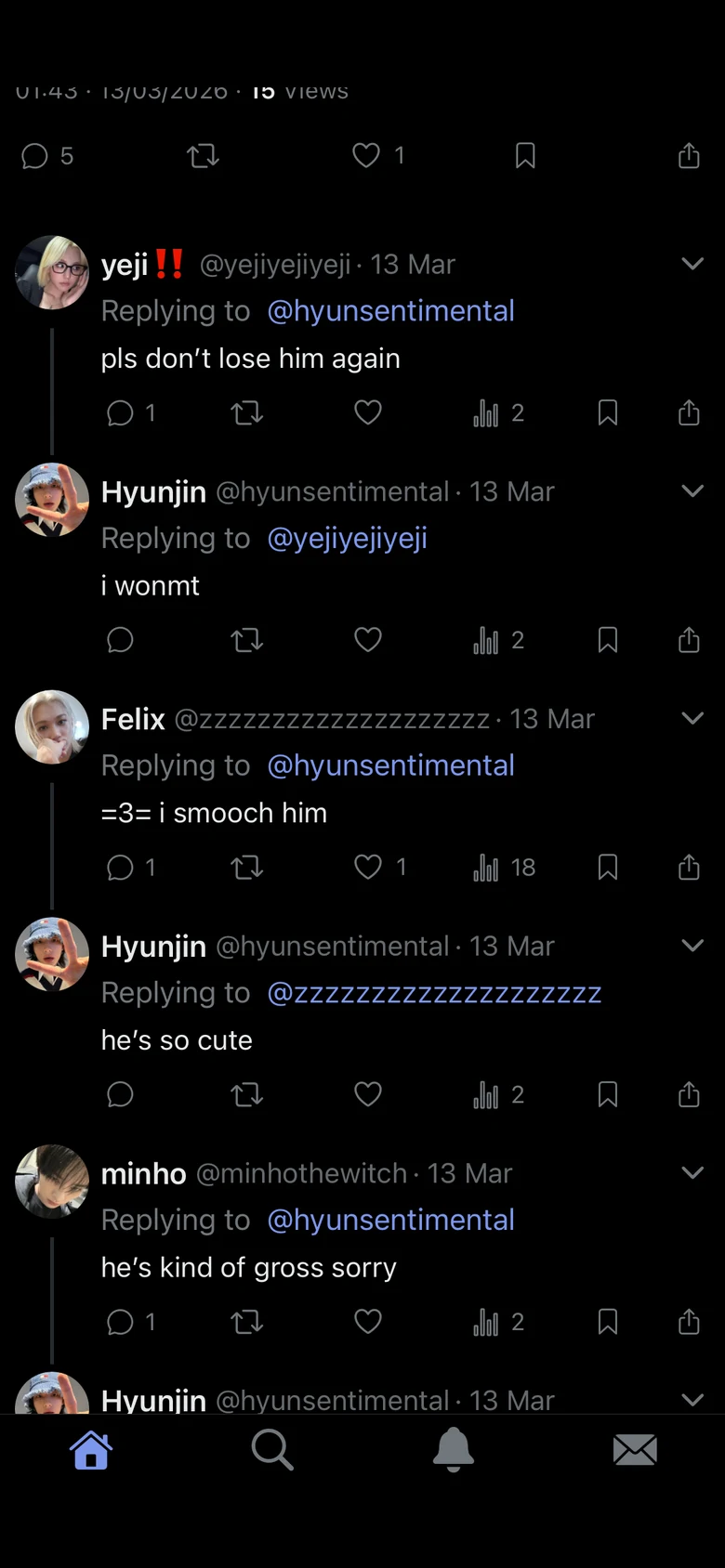
  • Replies, quotes and repostsCharacters answer each other like on a real social network.
  • Date and engagementEach post gets the date, time, replies, reposts and likes you choose. Few, Mid and Lot fill them in for you.
  • DraftsSave a post you have not finished and come back to it from Drafts.
A post
Replies to a post

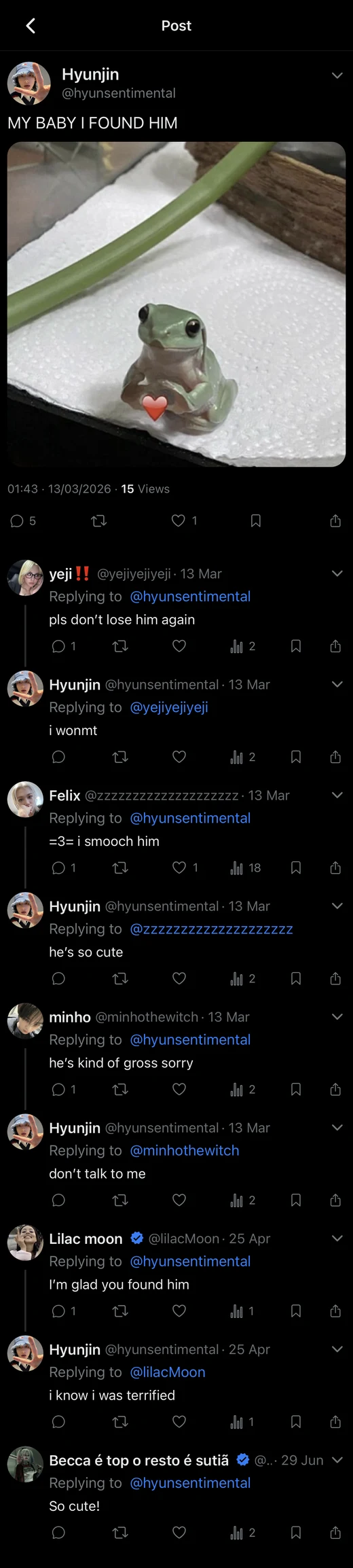
Save a thread as an image

Post your story outside Feedverse in one picture.
  • Save as imageTap the share button on a post to save it in your photos as one image, with all its replies.
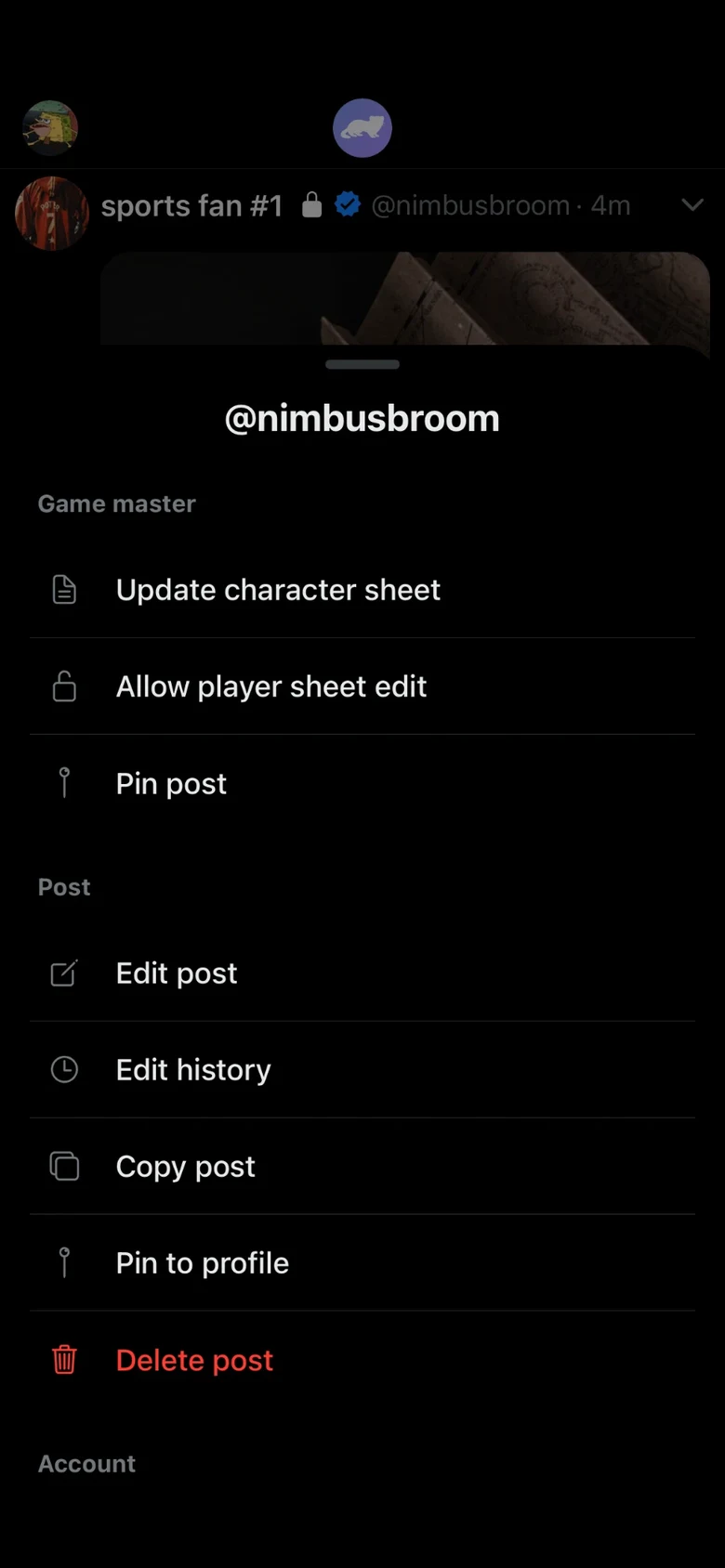
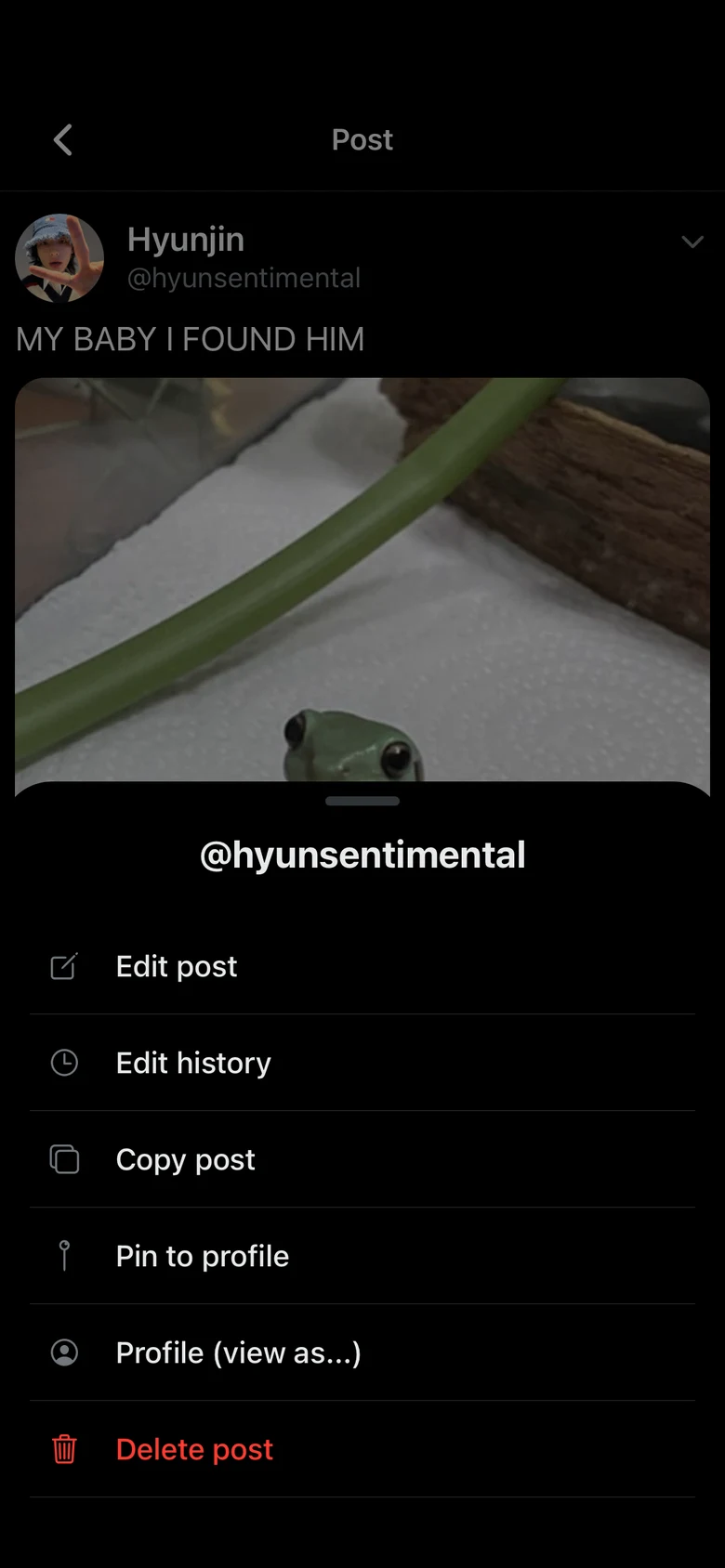
  • Post menuTap the arrow on a post to edit it, see its edit history, copy it, pin it to your profile, or see how the profile looks to someone who blocked or muted it.
A post's menu
A thread saved as one image

DMs and group chats

Characters write to each other in DMs and group chats.
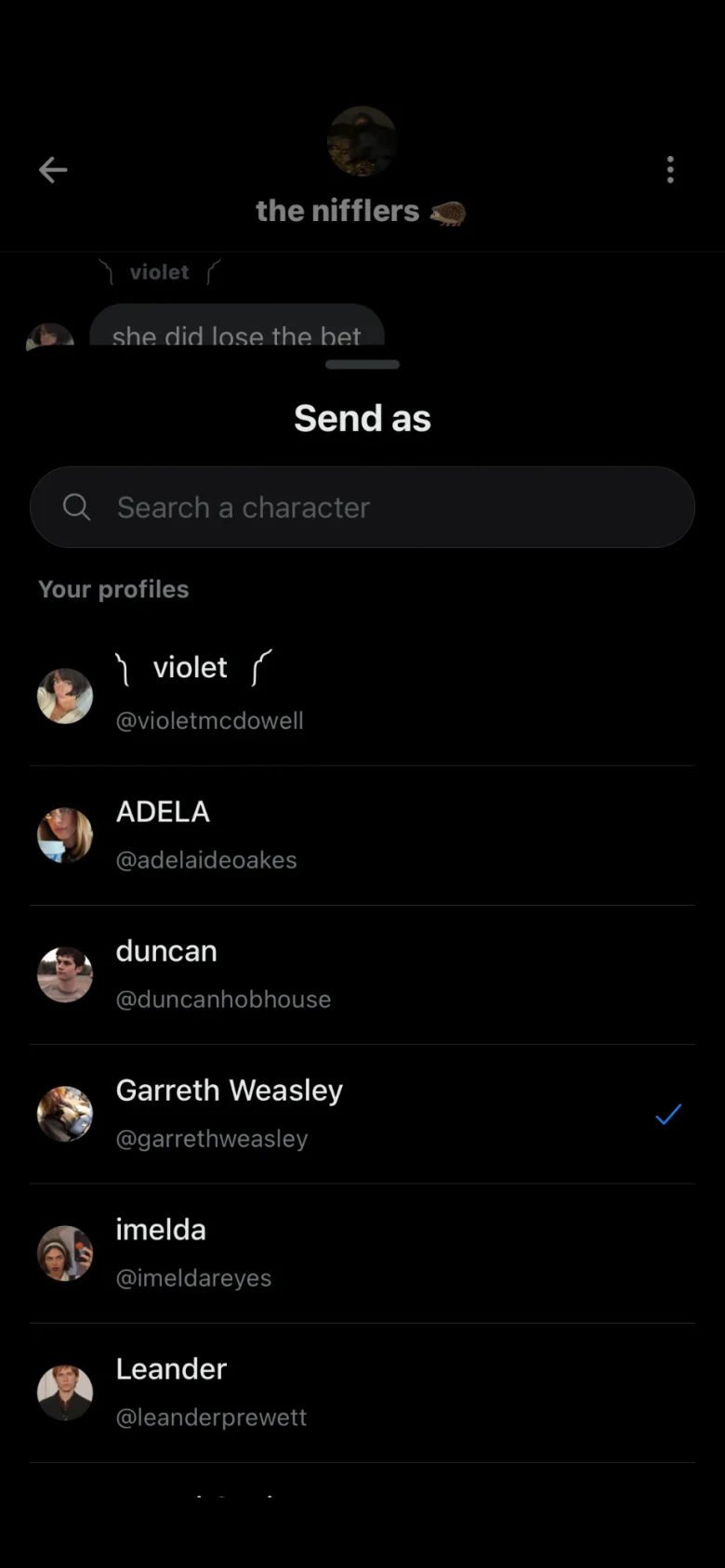
  • Send as any characterChoose which of your characters sends each message.
  • Chat foldersSort conversations into folders, like Friends, OOC and Group Chats.
A group chat between characters
Choosing which character sends a message

More in messages

A few gestures make group chats easier to run.
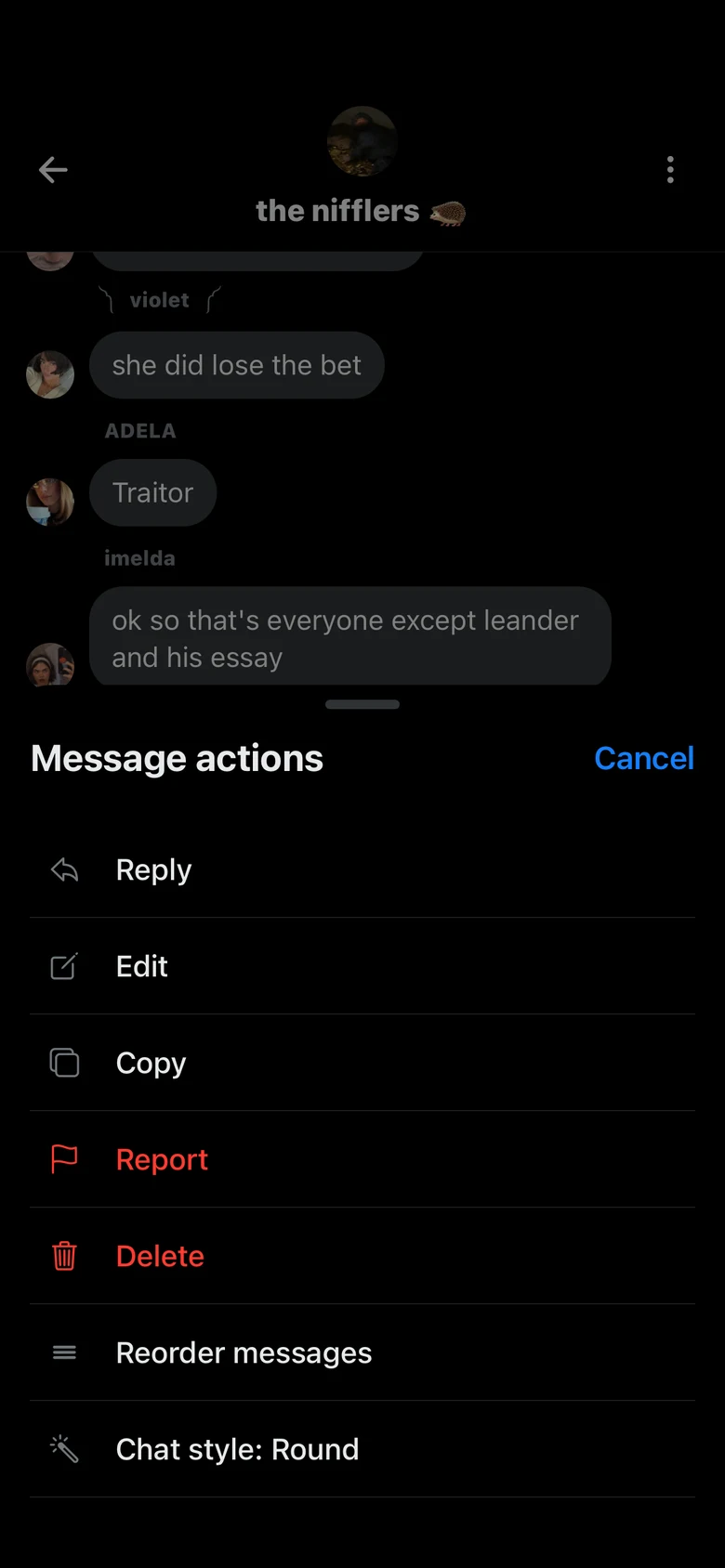
  • Message menuHold a message to reply to it in a thread, edit it, delete it, reorder the conversation or change the bubble style.
  • Separator messagesType the separator text, then hold the send button to add it between two scenes.
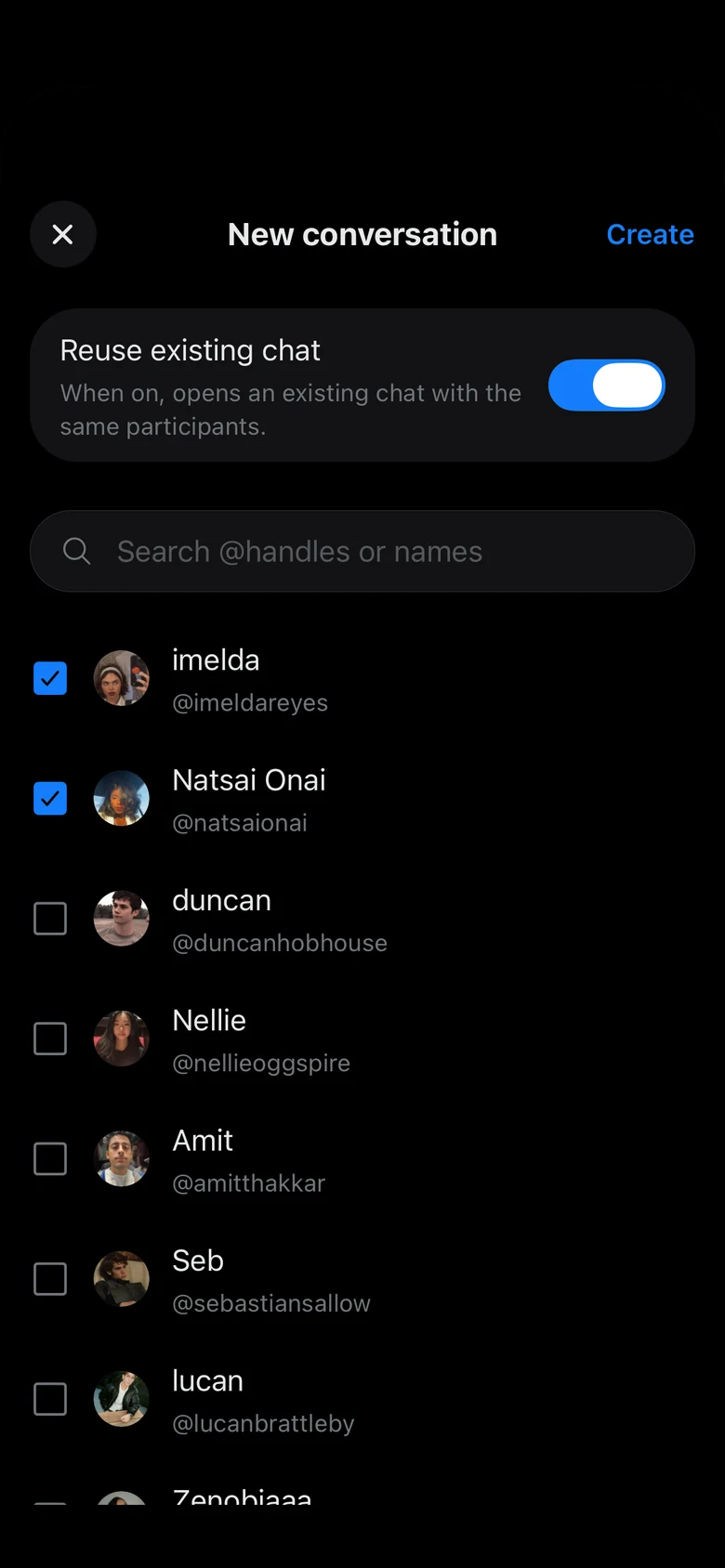
  • Reuse an existing chatWhen you start a conversation with characters you already talk to, Reuse existing chat opens that chat instead of a new one.
  • TimestampsSwipe a conversation to the left to see when each message was sent.
A message's menu
Starting a conversation

Public chats and communities

Some group chats are open to every character in the universe.
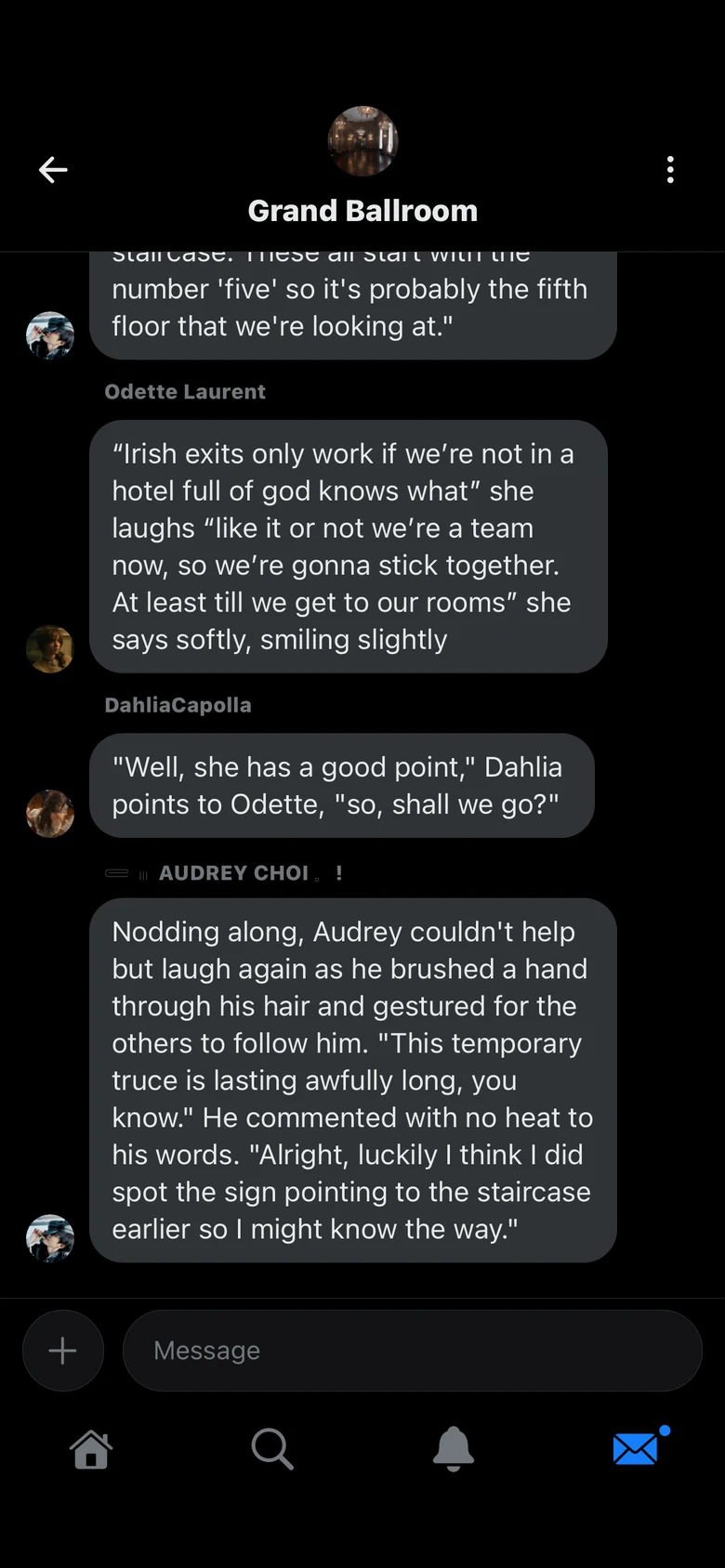
  • Public chatsMake a group chat public from its settings. Every character in the universe will have access to it.
  • CommunitiesCommunity universes bring players from every universe together in one shared story. Some of them are Event universes, which are only open for a limited time.
A public chat

Pics, stories and rolls

The visual side of your universe, with the same characters.
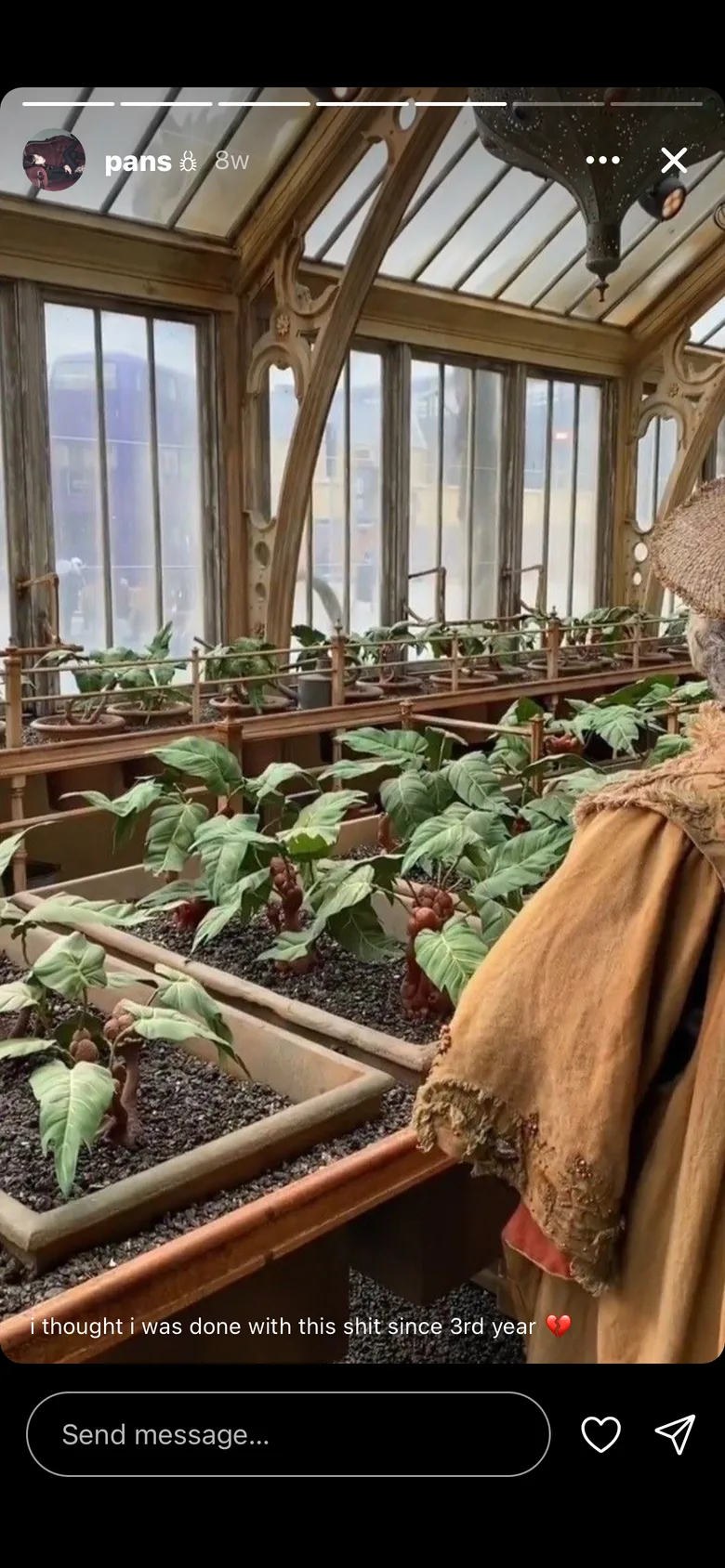
  • Photo postsPost photos with a caption, liked and commented by other characters.
  • Stories and highlightsPost stories, and keep the ones you want in highlights on the profile.
  • RollsFull-screen images, one at a time.
The Pics feed
A story

Every character has a page

OC pages with moodboards and a profile card.
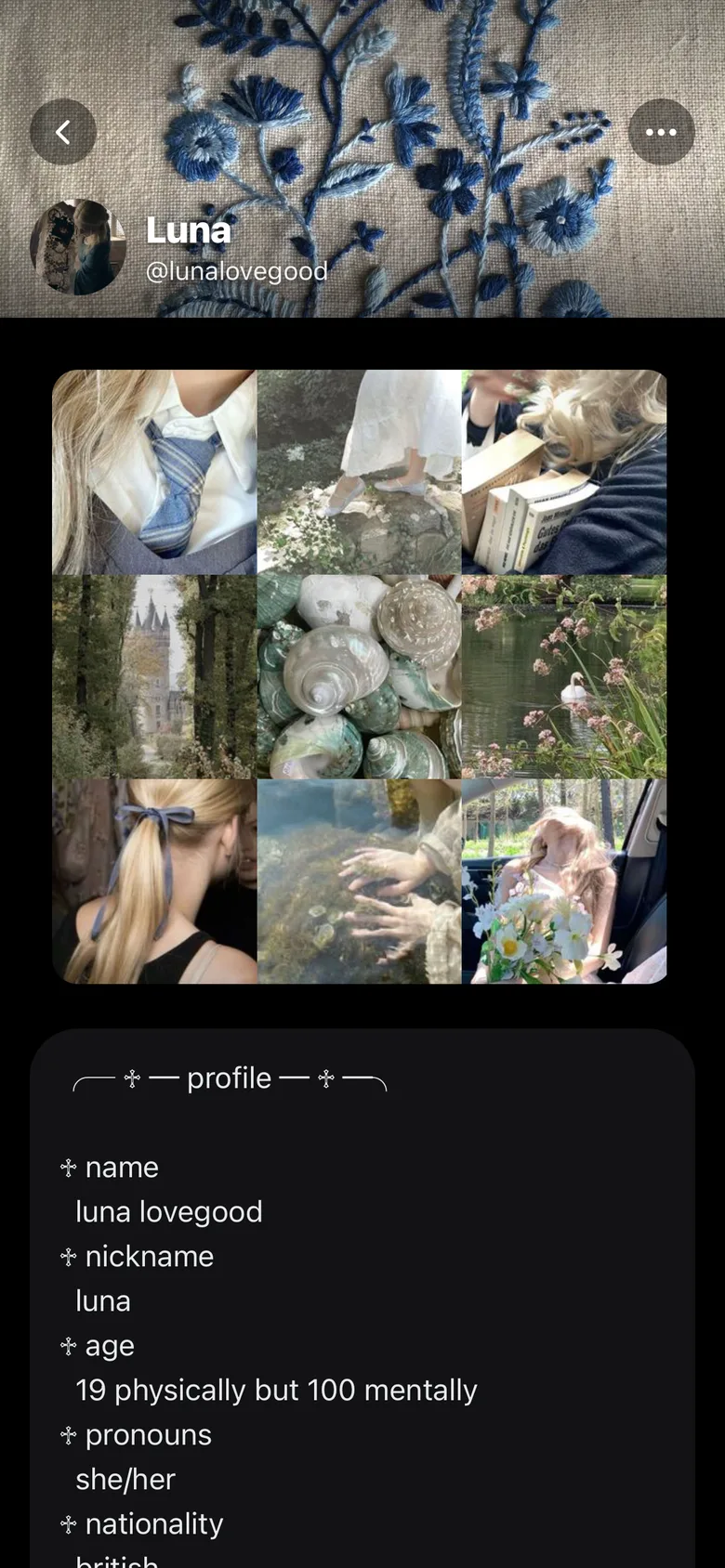
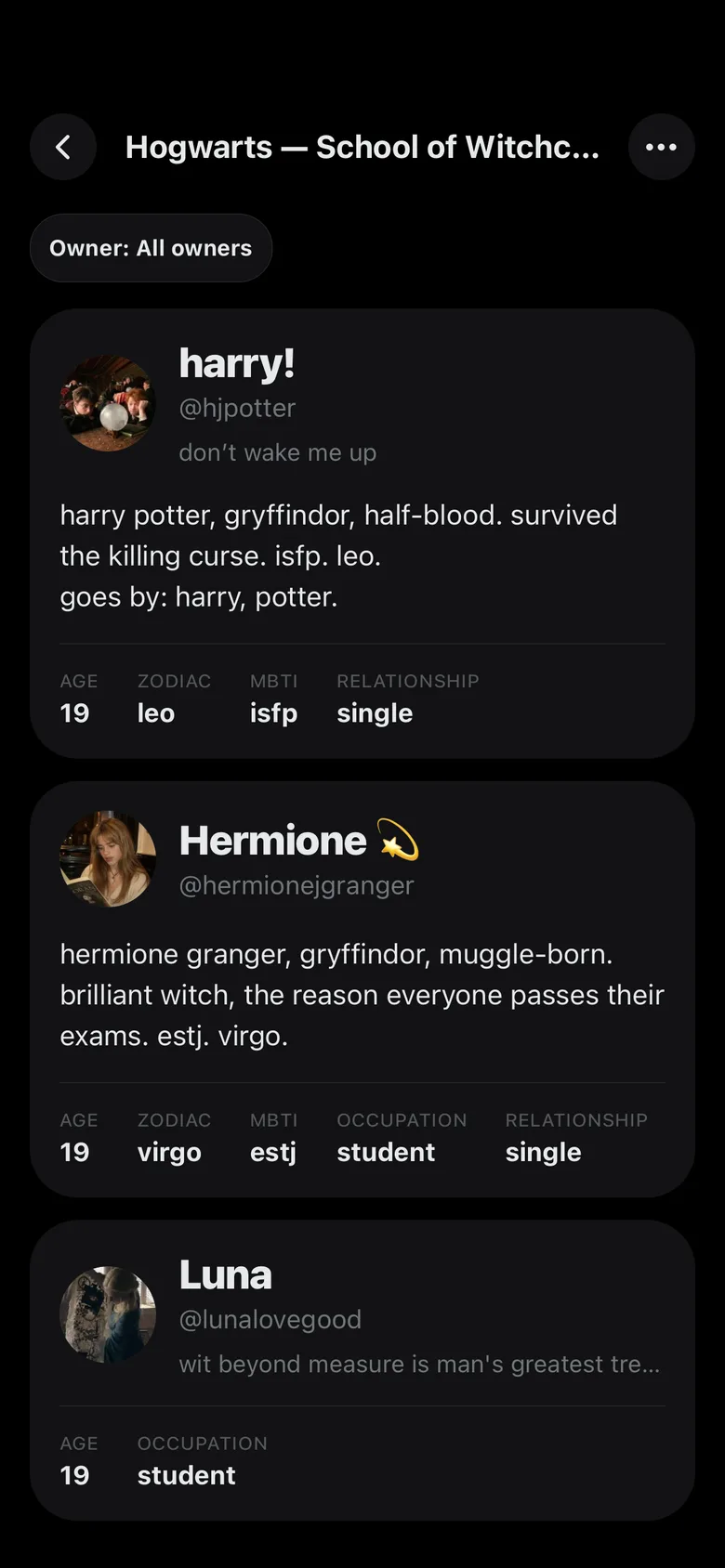
  • Profile cardAge, zodiac, job, relationship status and lore, readable by everyone in the universe.
  • MoodboardsUp to five moodboards of images on each OC page.
An OC page
Character cards in a universe

Notifications

Likes, replies, mentions and DMs for the characters you play.
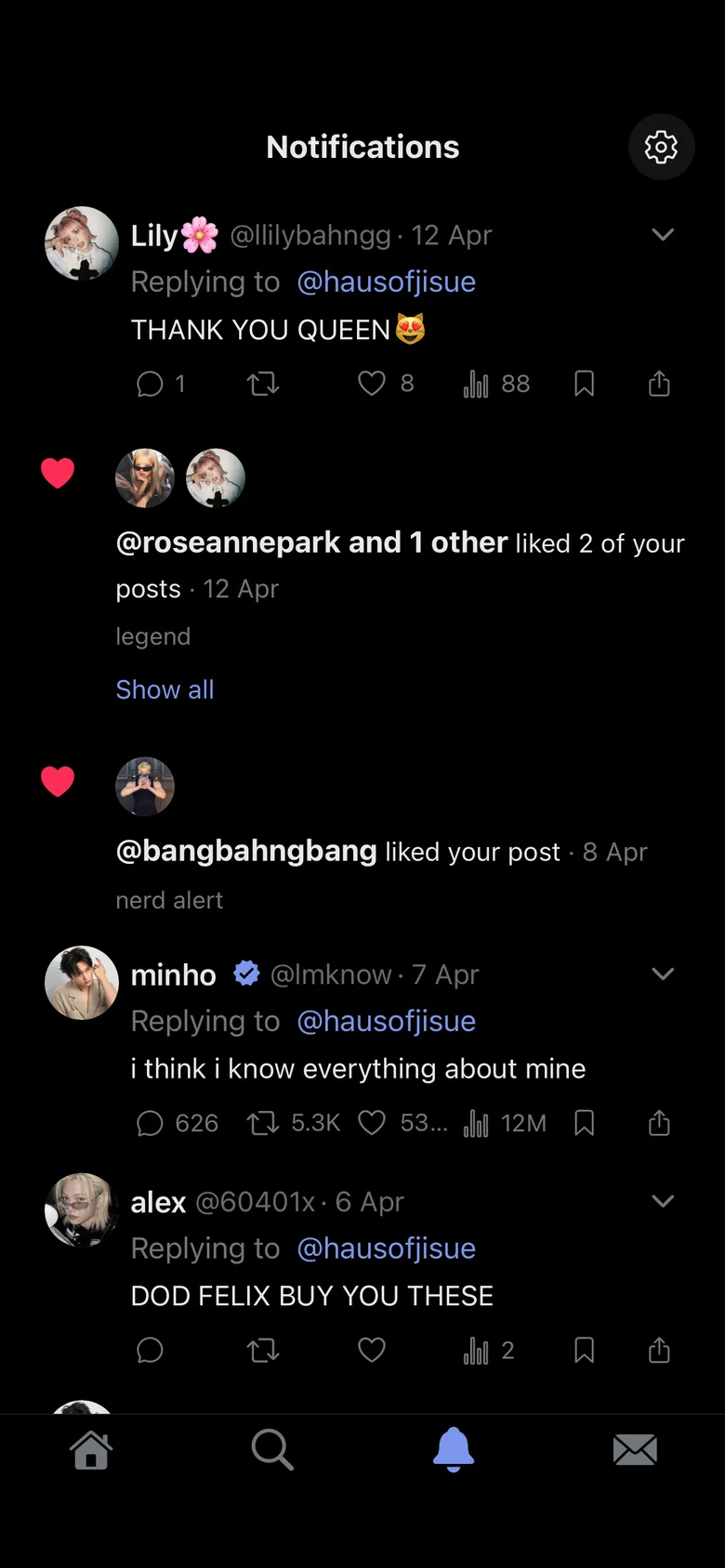
  • Per universeEach universe has its own notifications.
  • PicsLikes and comments on Pics posts have their own list.
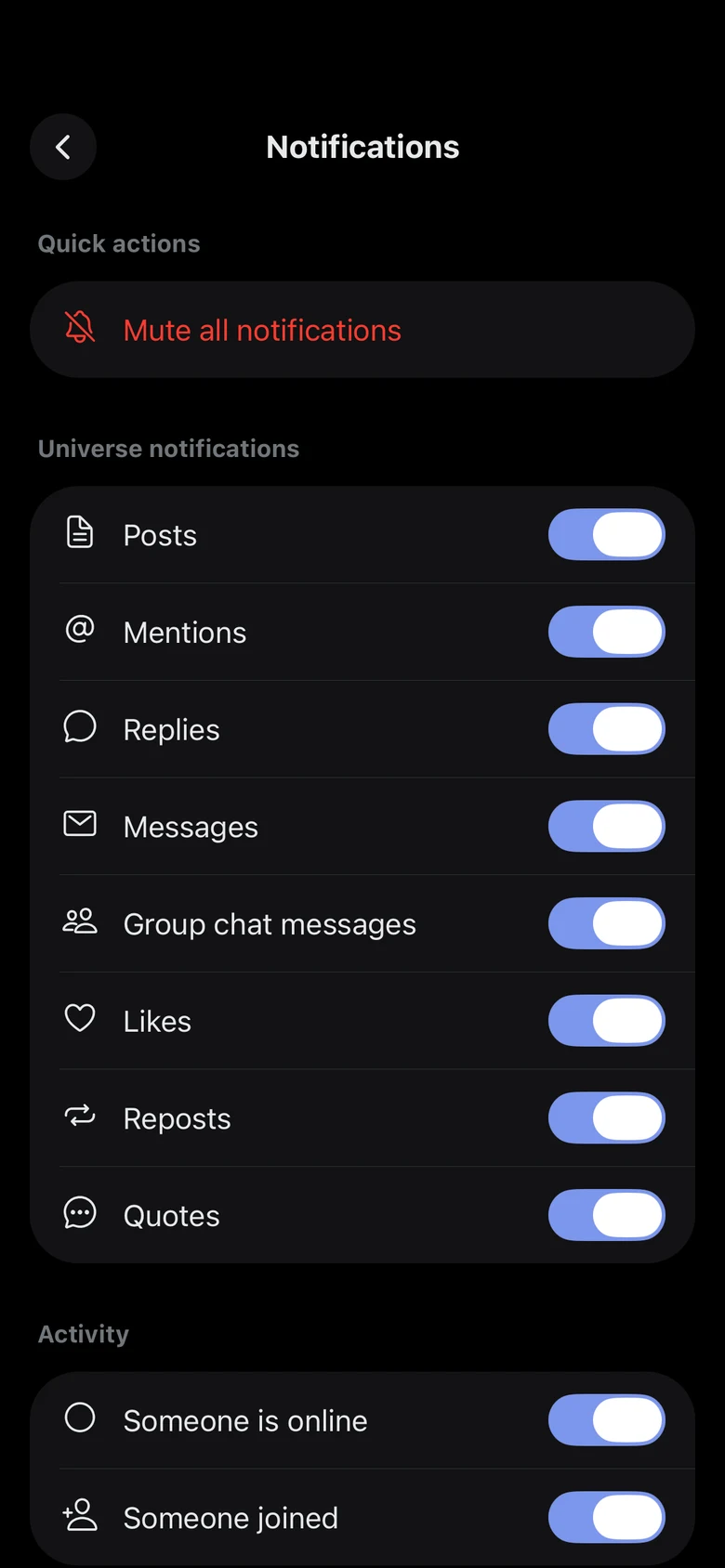
  • MuteMute a universe that gets too active, or choose which notifications it sends.
Notifications
Pics notifications
A universe's notification settings

Themes

Change the colors of the whole app.
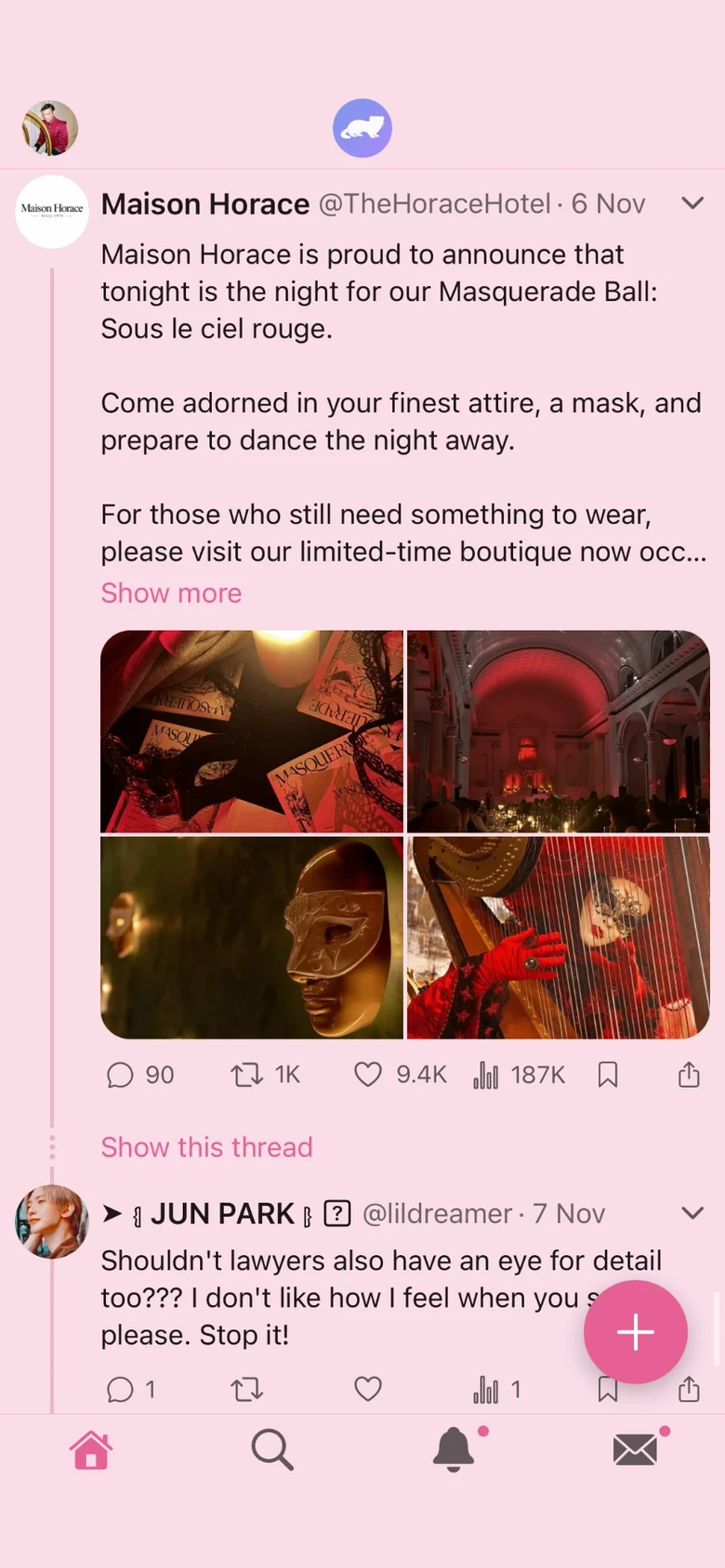
  • Color themesPick one of the ready-made themes, in light or dark.
  • Your own themeMake a theme of your own in the theme editor.
  • Chat bubblesRound, square or with an arrow. Pick the style from a message's menu.
  • Feedverse iconReplace the Feedverse logo at the top of the Posts feed with your own image.
The Pink theme
The Navy theme
The Blue theme

Your account

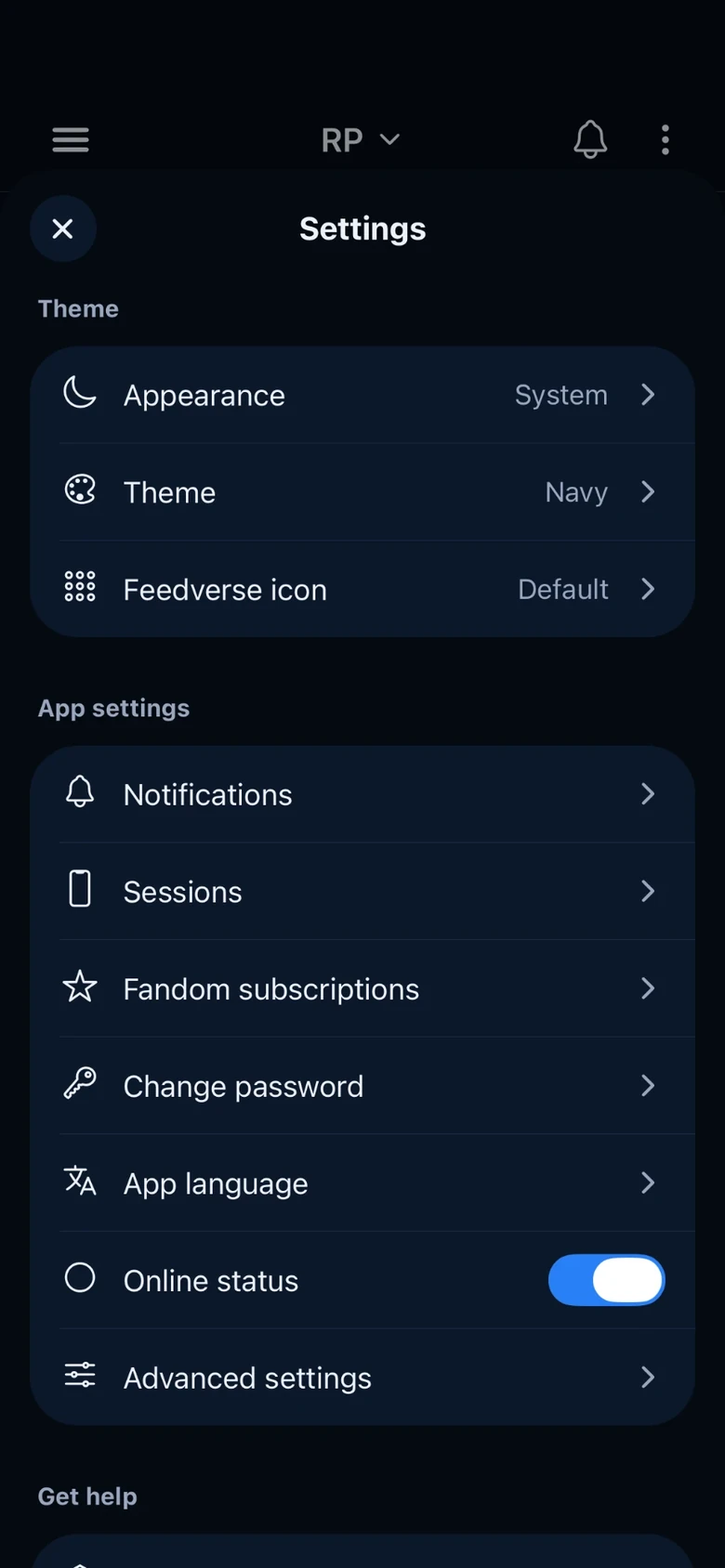
Everything about your account is in Settings.
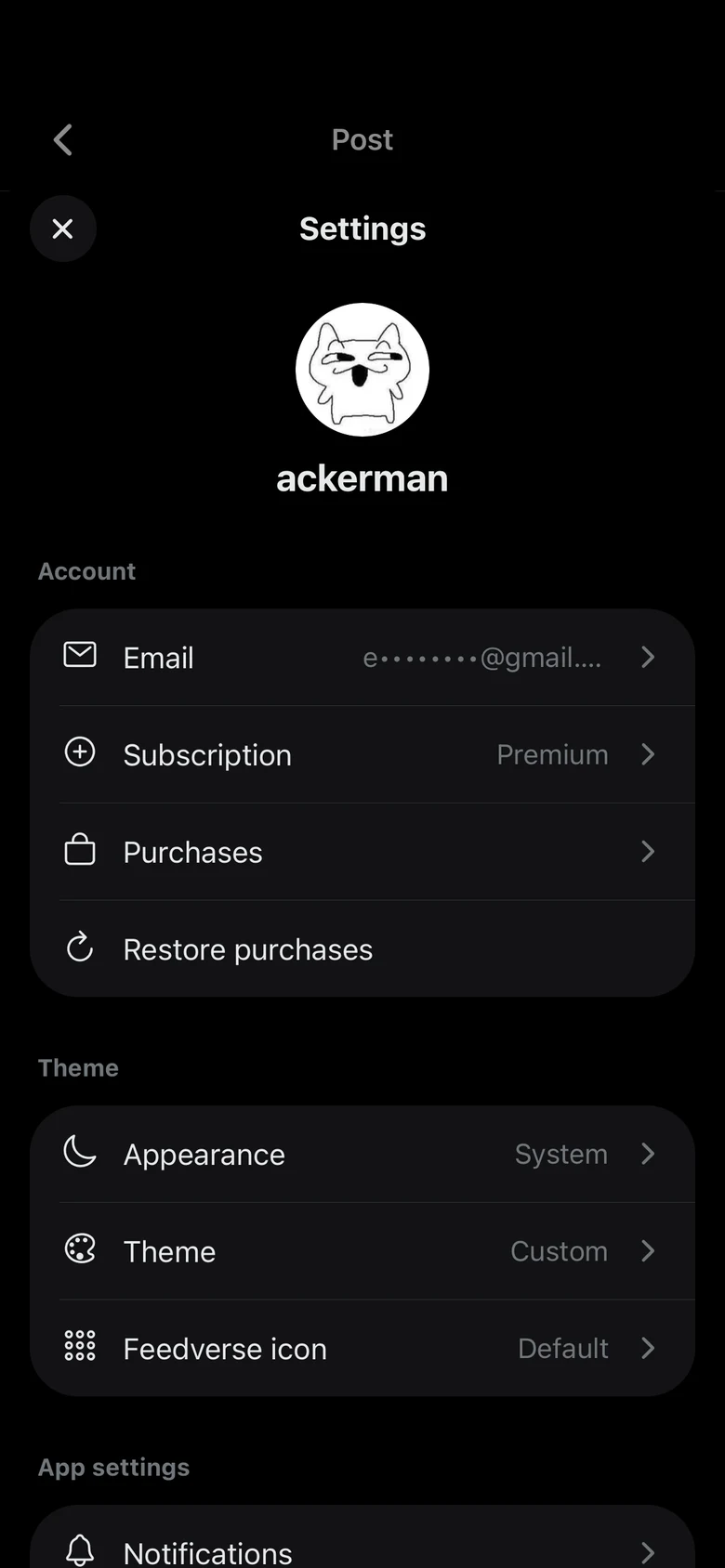
  • AccountChange your email, see your subscription and your purchases, or restore them on a new phone.
  • CustomizationChoose light or dark mode, a theme and the Feedverse icon.
  • App settingsTurn notifications on or off and pick the language of the app.
Settings

Campaign mode

Campaign mode adds tabletop-style tools like character sheets, dice rolls and GM controls. Turn it on in your account settings, then in the universe.
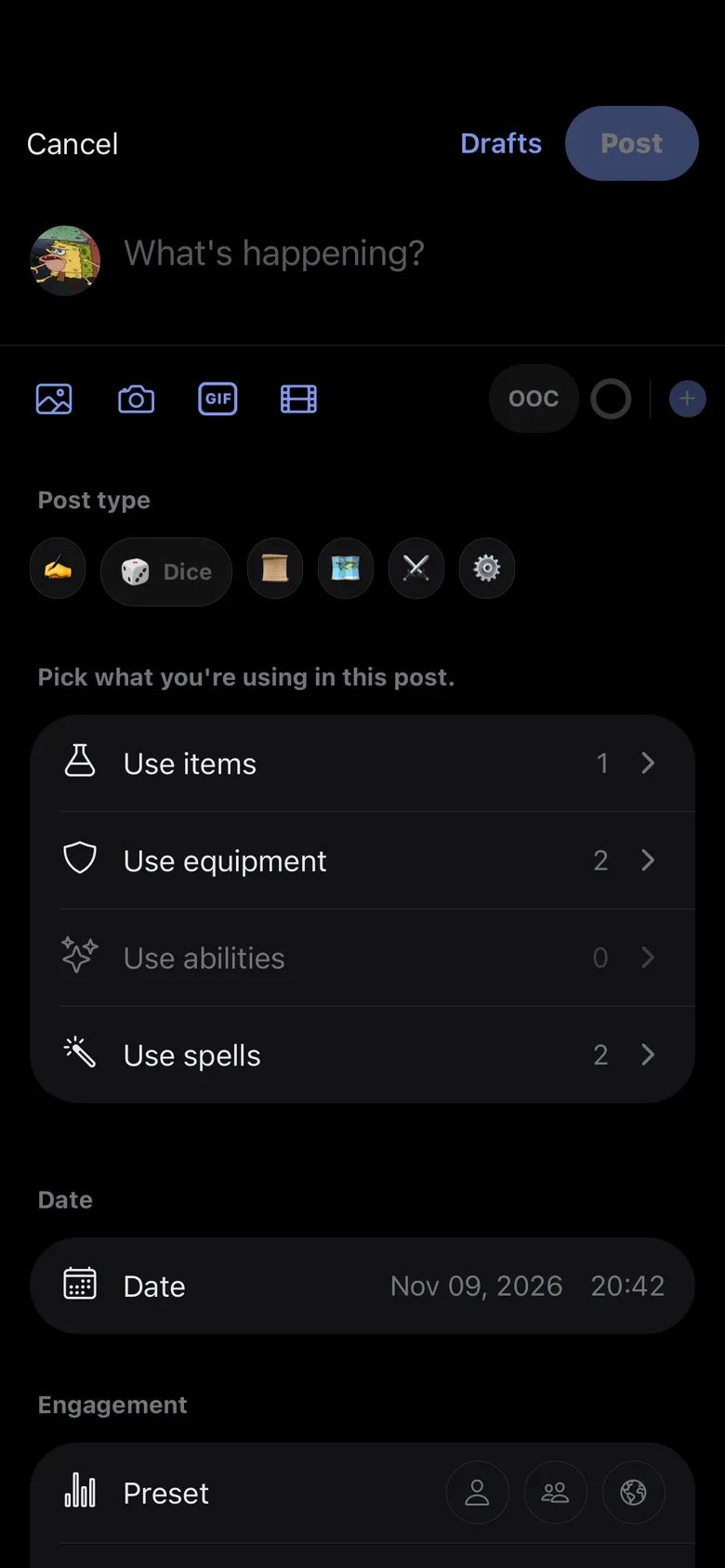
  • Post typesTag a post as RP, Dice, Quest, Log, Combat or GM. A post can use items from the character's sheet.
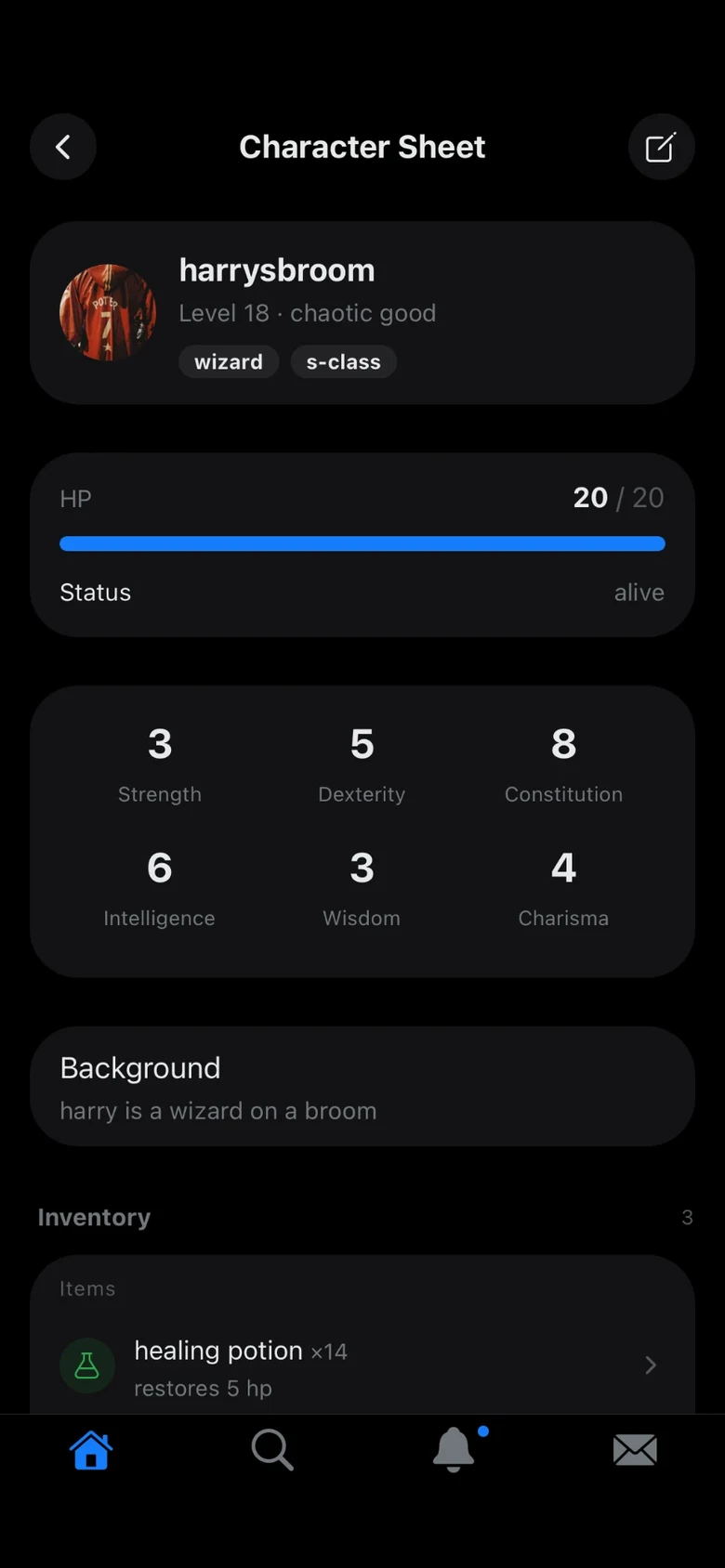
  • Character sheetsEach character has a sheet with HP, status, stats and inventory.
  • GM toolsThe GM can update a character's sheet or pin a post from the post's menu.
A campaign post
A character sheet
The GM menu of a post

More guides

Other questions are answered in the FAQ.

Write a Socmed AU

Make a private universe, create every character yourself, and post, reply and send DMs as any of them. On a post, Share saves the whole thread as one image to post on X, Instagram or Tumblr.

Writing SMAUs on Feedverse

Bring a Discord roleplay over

Channels, a doc for character bios and screenshots become one universe, with its timeline, DMs, character profiles and pinned posts.

Roleplaying on Feedverse

Find a roleplay universe to join

Explore lists the public universes on Feedverse: roleplays, social media AUs and campaigns that anyone can join. Each one shows its cover, description, fandom and language.

Explore

Run a roleplay universe

The player who creates a universe is its owner. The owner can make other players admins, who help run the universe: its details, its rules and its players.

Run a universe

Limits, Unlimited and Premium

Feedverse is free. Each universe has limits on how much is made in it, and two purchases lift them: Unlimited for one universe, and Premium for an account.

Limits and Premium

Posts, Pics and OCs: the three feeds of a universe

A Feedverse universe has three feeds with the same characters. Posts is a timeline like X, Pics is a photo feed with stories and rolls like Instagram, and OCs has a page for each character.

Posts, Pics and OCs

Campaign mode for tabletop roleplay

Campaign mode turns a universe into a tabletop-style game, like a D&D campaign run by a GM. Characters get sheets with HP, stats and inventory, posts get a type such as a dice roll, and the GM updates the sheets and pins posts.

Campaign mode

Themes, colors and the Feedverse icon

Feedverse follows your phone in light or dark mode, or stays light or dark. Premium adds 14 ready-made color themes, a theme editor to make your own, and a custom Feedverse icon.

Themes