Find a roleplay universe to join
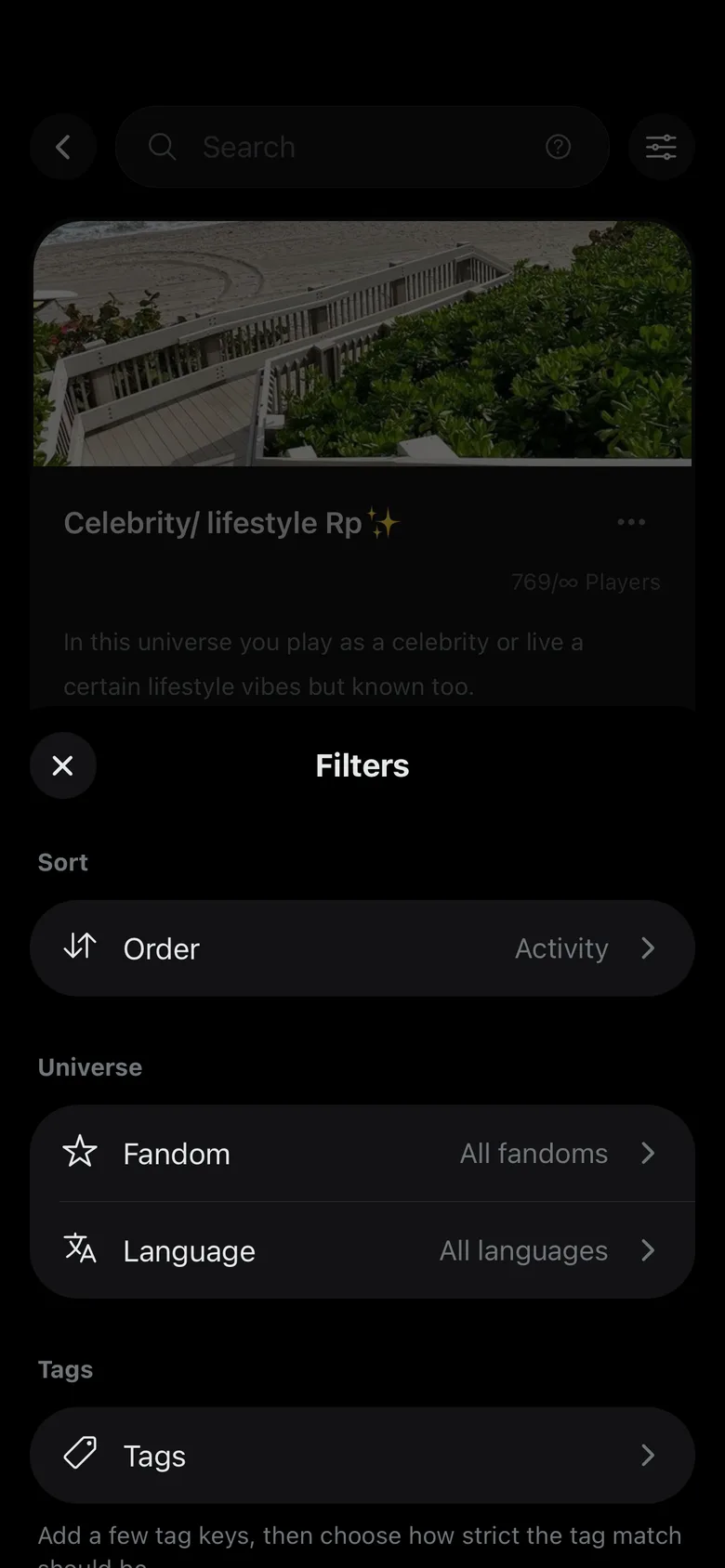
Explore shows every public universe on Feedverse, with its cover, description, fandom and language. Roleplays, social media AUs and campaigns can all be joined from there.
Private universes are not in Explore. To join one, ask one of its members for the invite code and tap Join above your universe list.
Search
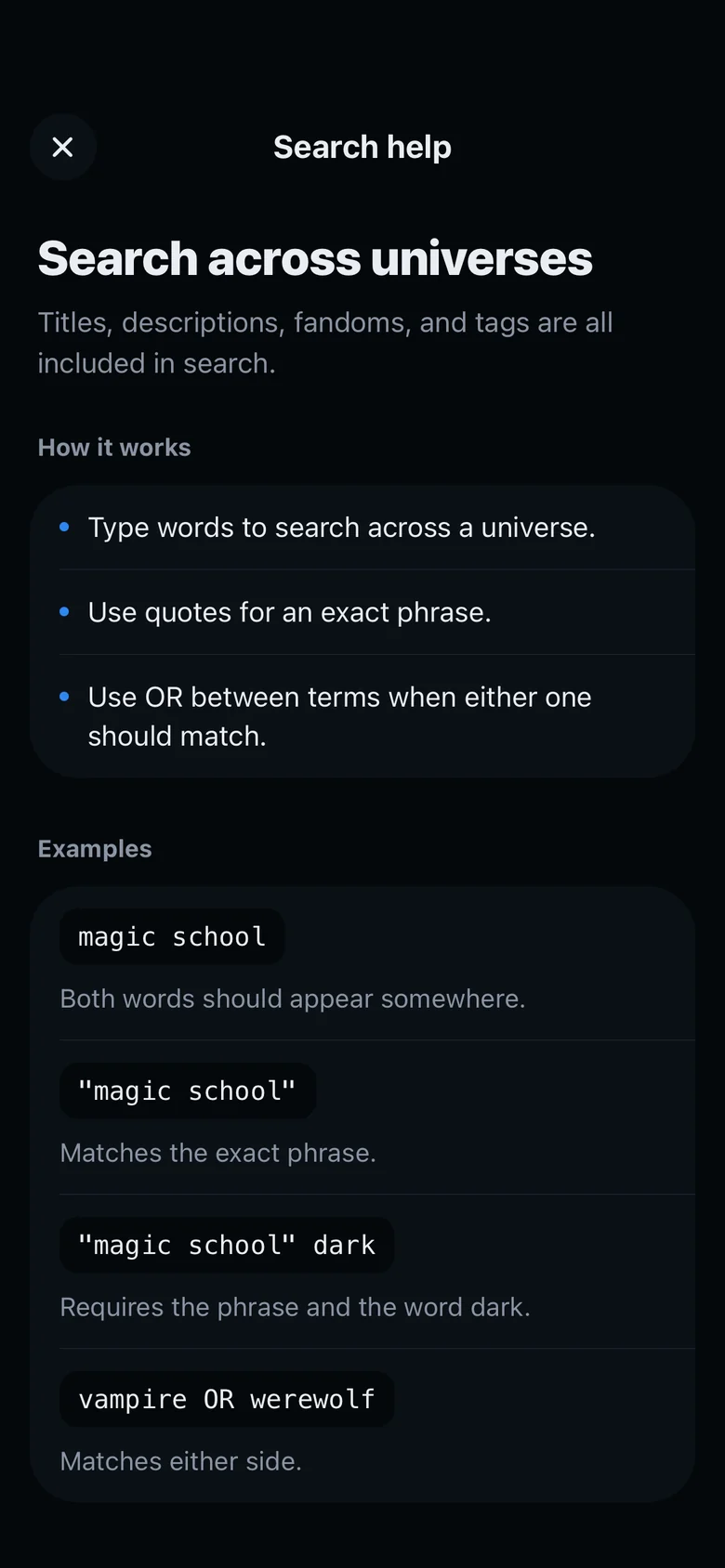
Type a few words to search names, descriptions, fandoms and tags. Put a phrase in quotes to find it exactly, or put OR between two words to find either one, like vampire OR werewolf.
Filters and alerts
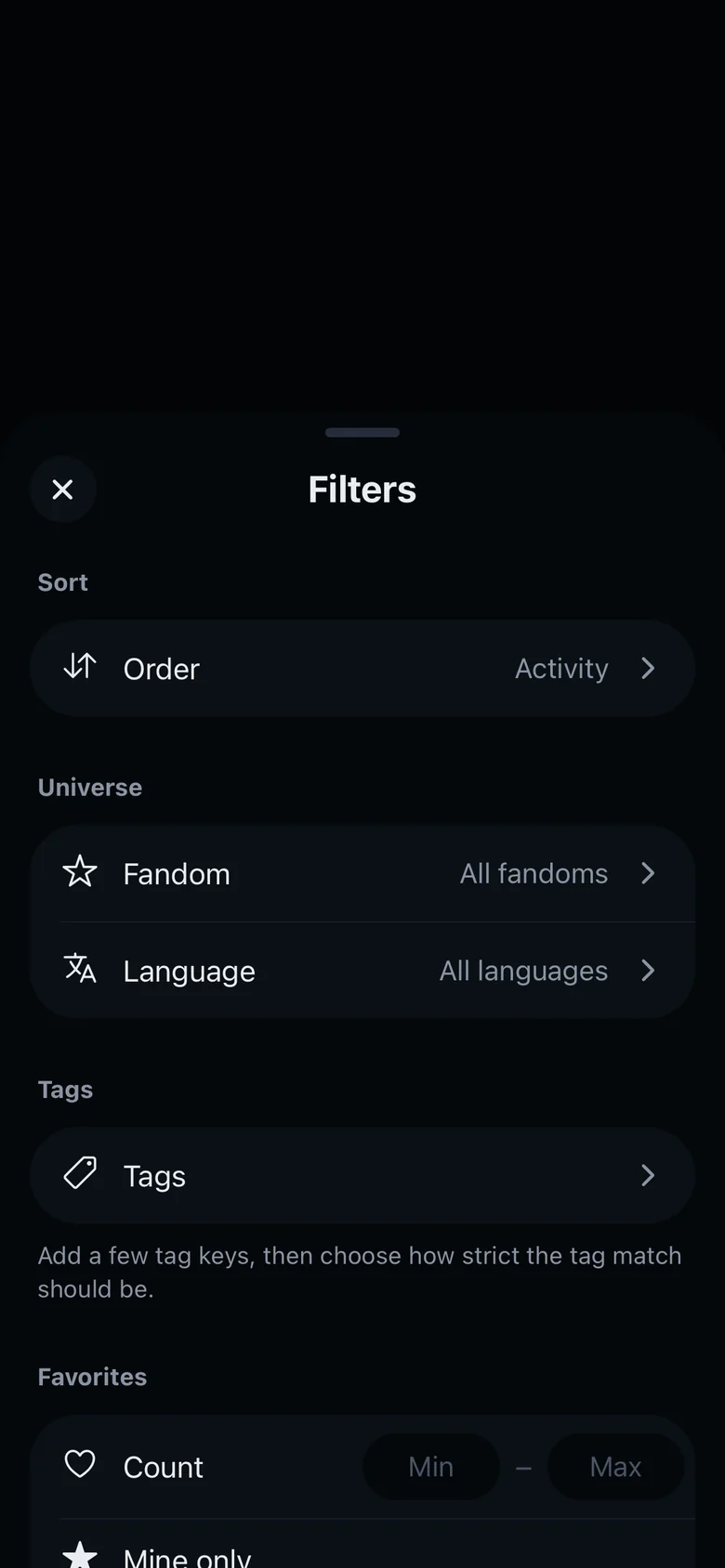
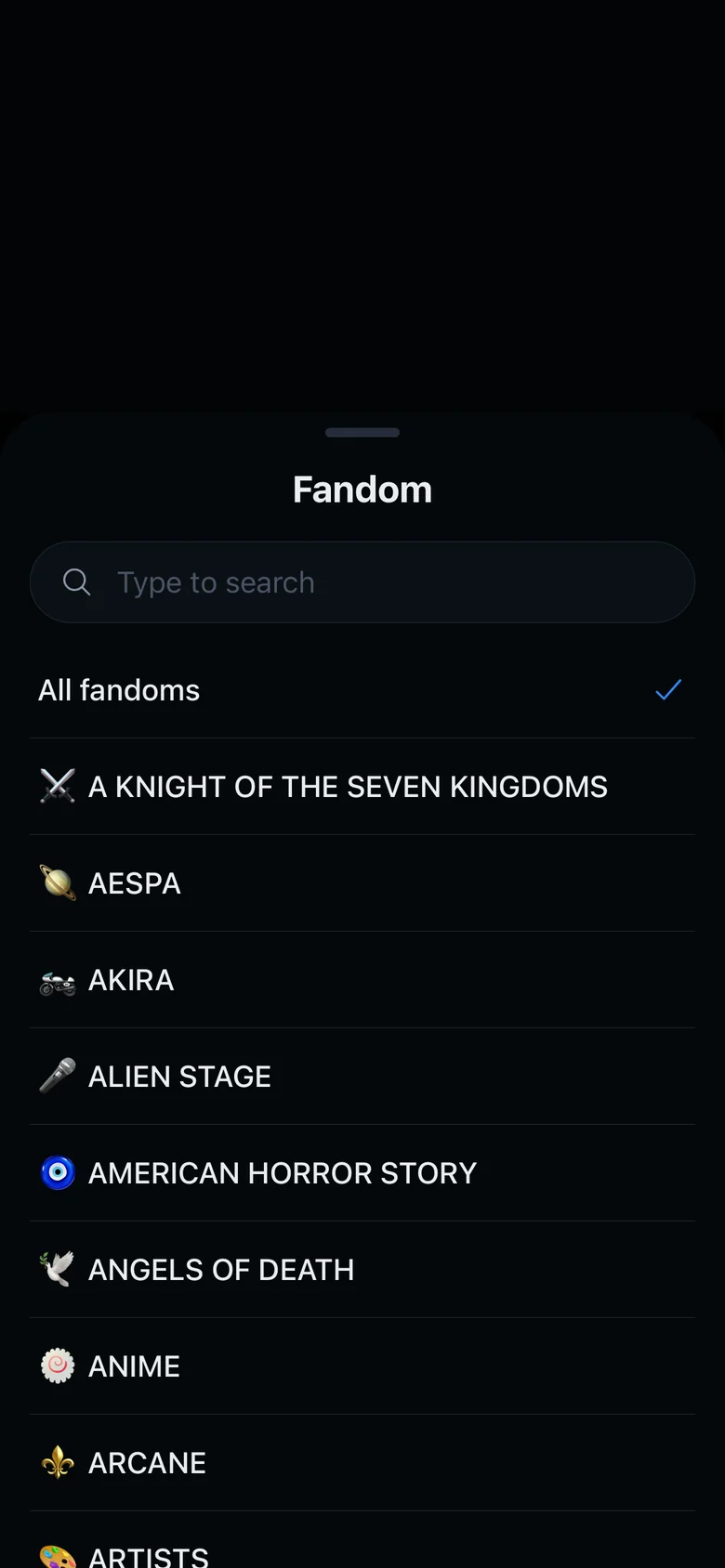
- FiltersTap the filter button next to the search to narrow the list by fandom, language and tags, or to change the order. Turn on Open spots only to hide the universes that are full.
- New universe alertsSubscribe to a fandom, in one language or in all of them, and you get a notification each time a new public universe is published in it.
- PeekTap Peek to look inside a universe before joining it. Tap Join at the bottom of the screen to become a member.
- FandomsOther and Original are at the end of the fandom list. If your fandom is missing, you can request it from the fandom list when you create a universe.