Campaign mode for tabletop roleplay
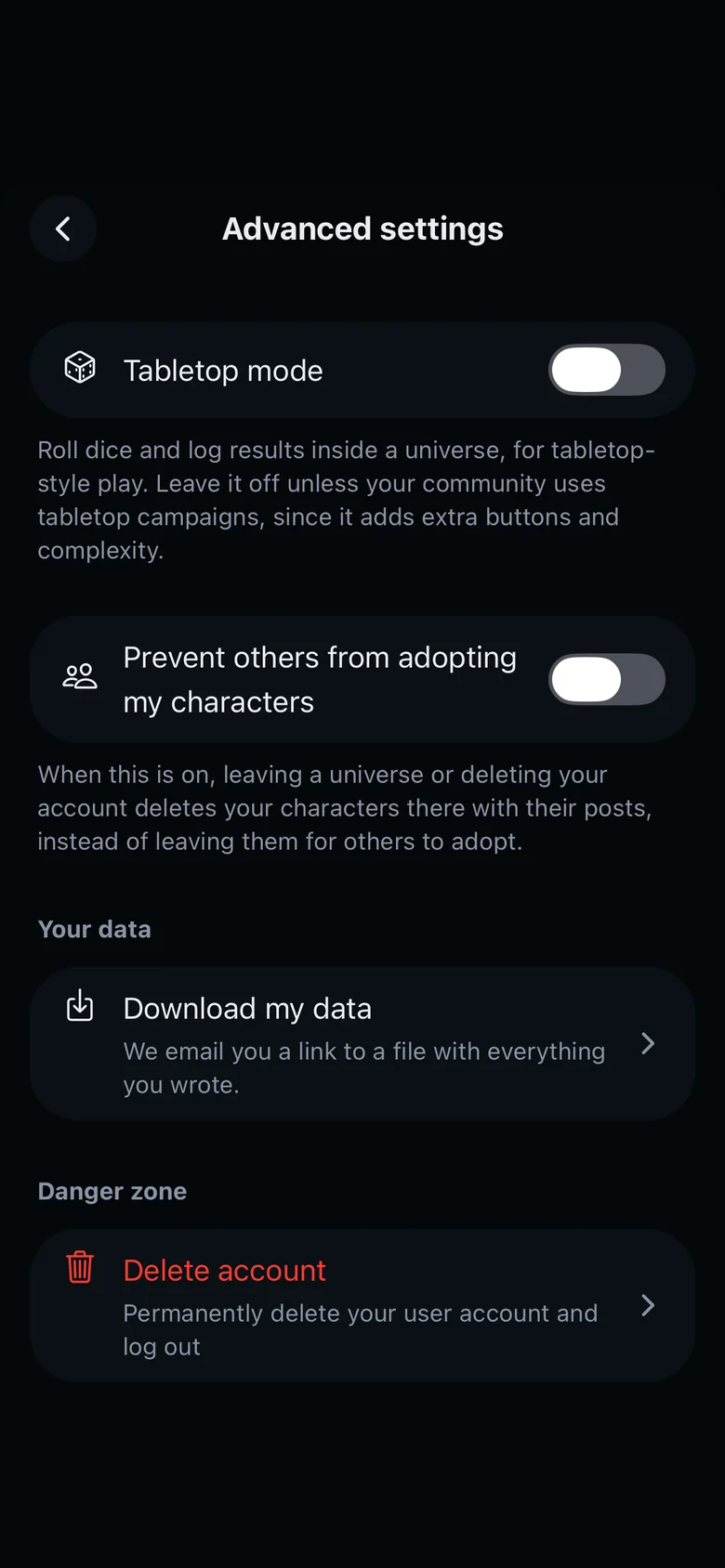
Campaign mode is for tabletop-style games, like a D&D campaign run by a GM. Characters get sheets with HP, stats and inventory, posts get a type such as a dice roll, and the GM updates the sheets and pins posts.
It is made for campaigns with a GM. For freeform roleplay and social media AUs, use Story mode, the default.
Turn it on
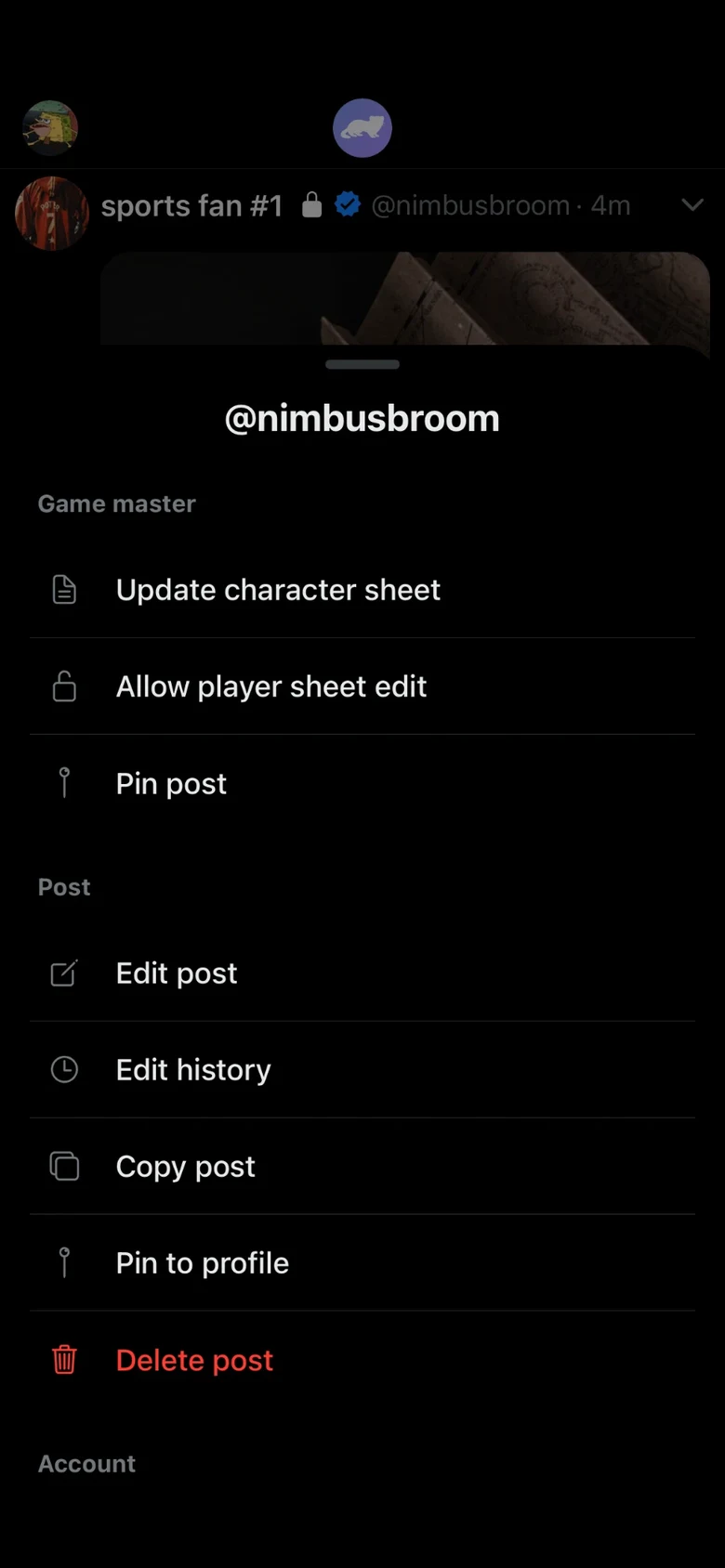
In Settings, open Advanced settings and turn on Tabletop mode. Campaign then appears when you create or edit a universe.
Post types
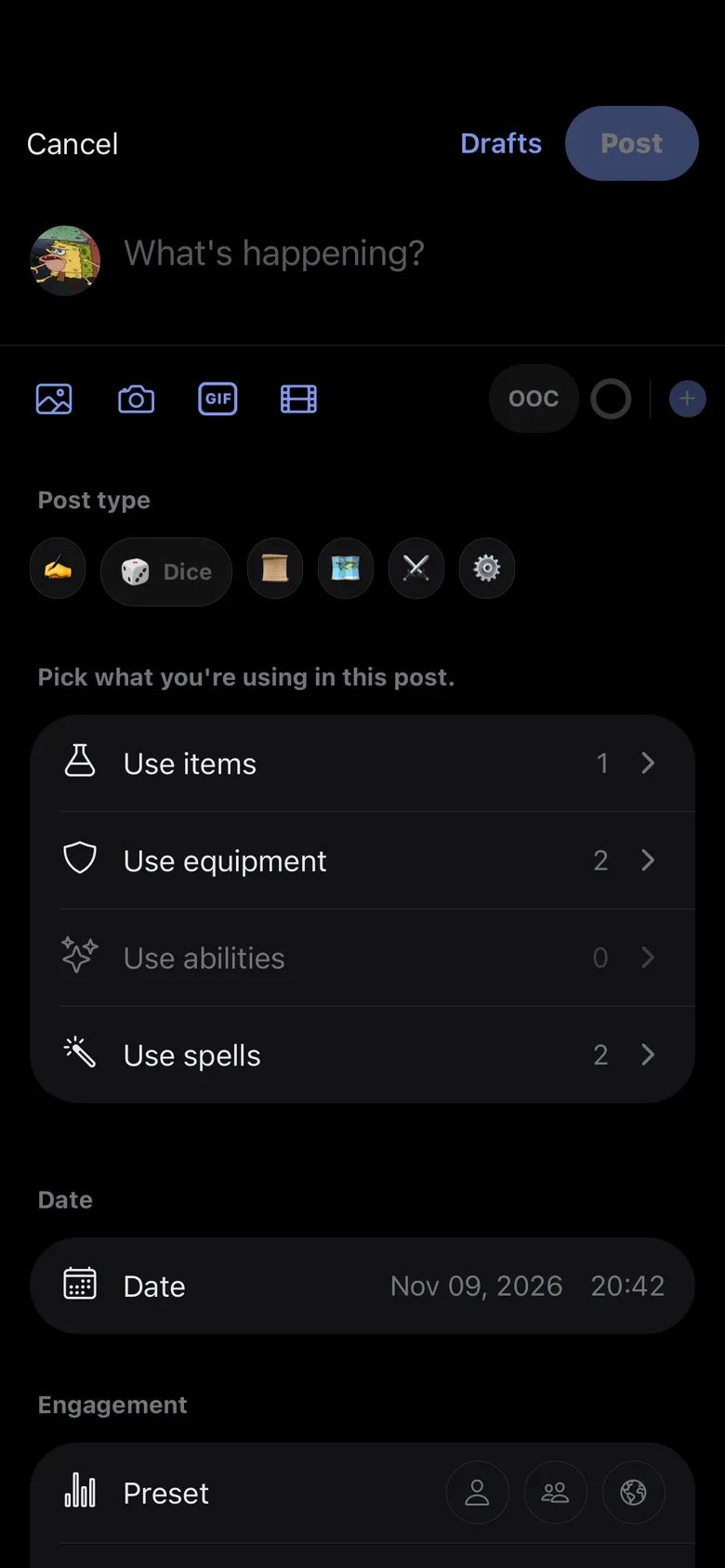
Each post is RP, Dice, Log, Quest, Combat or GM. A Dice post rolls a d20 when you send it and adds the result to the post.
Character sheets
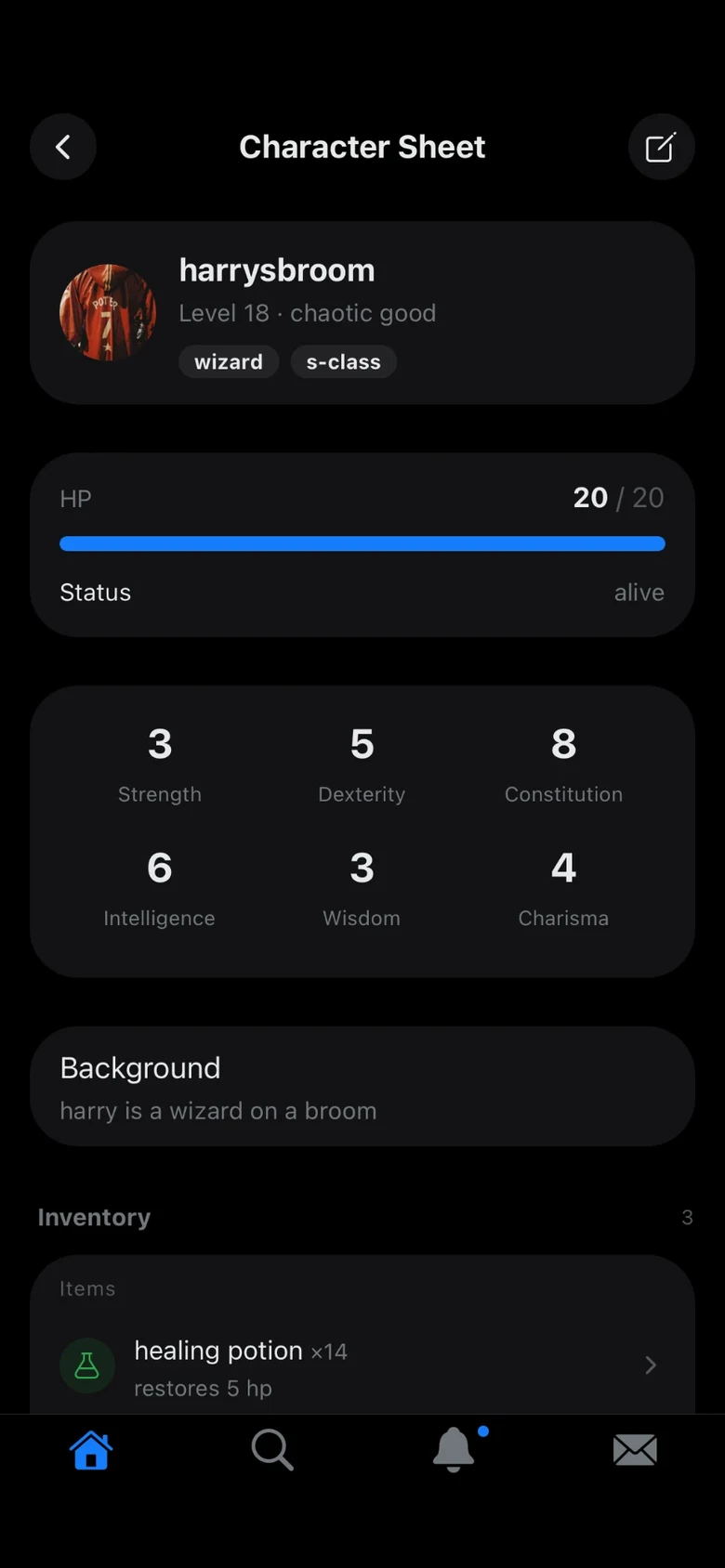
After the first save, the player edits the name, race, class, alignment, background and notes. The GM, who is the owner or an admin, edits level, stats, HP, status, inventory, equipment, spells and abilities, and can reopen a sheet once for its player.
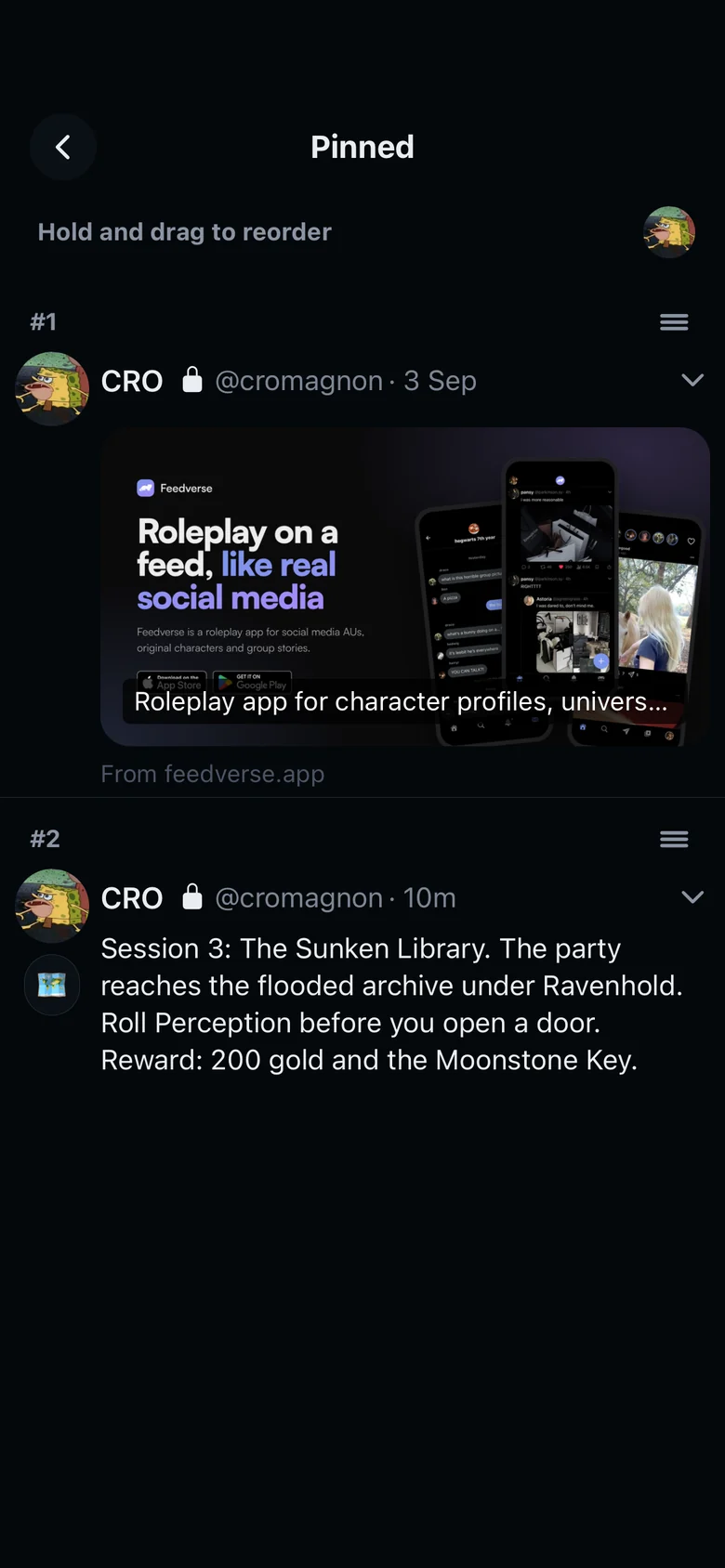
Pinned posts
The owner and admins pin a post with Pin post, in the post's ⌄ menu. Everyone finds the pinned posts with View pins, in the menu inside the universe. There, the owner and admins drag ≡ to reorder them, and unpin one from its ⌄ menu.