Run a roleplay universe
The player who creates a universe is its owner. The owner can make other players admins, who help with its details, its rules and its players.
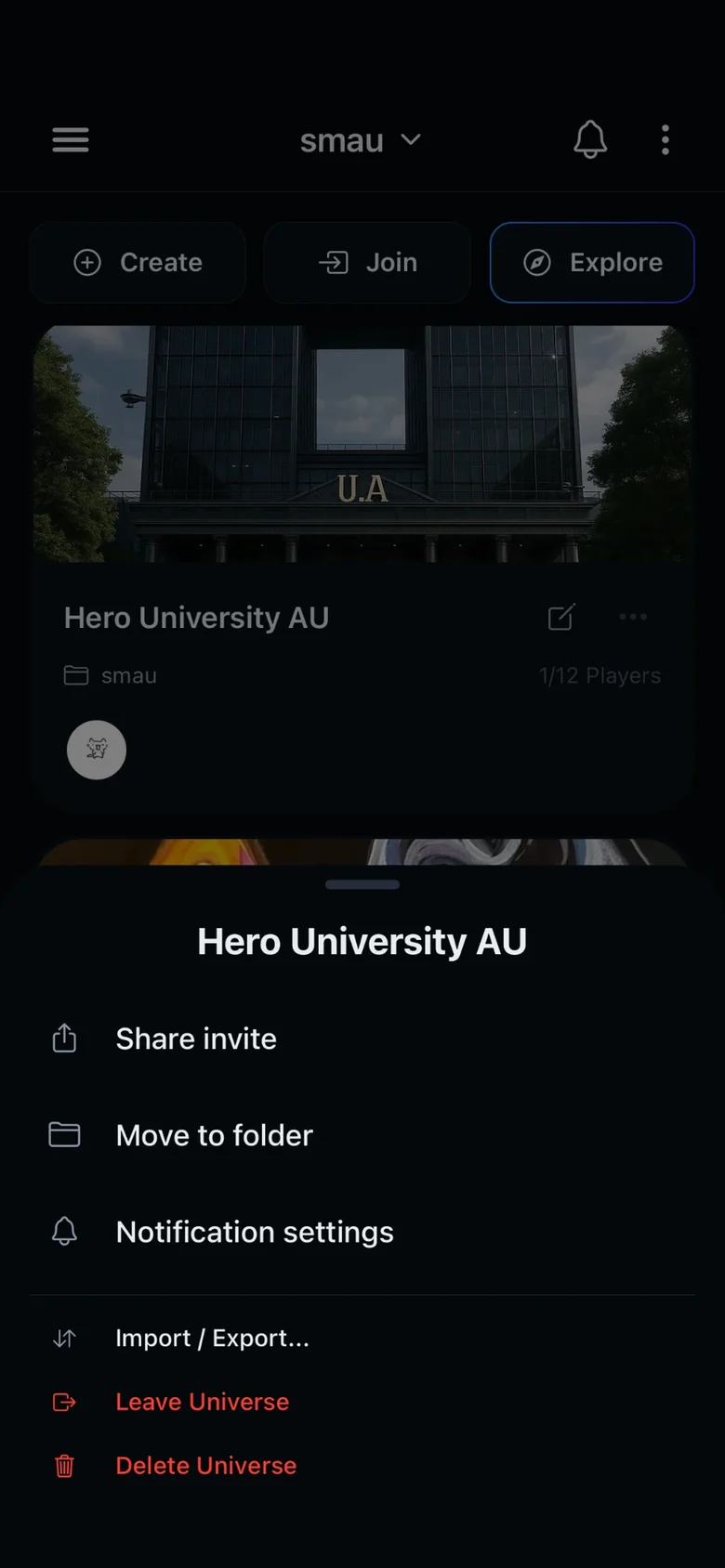
Owners and admins open Edit universe with on the universe's card in your universe list, or with in the menu inside the universe. Other players see the same screen as Universe details, without the tools to change it.
The ⋯ button on the card has Share invite, Move to folder, Notification settings, Import / Export, Leave Universe and Delete Universe.
Basics
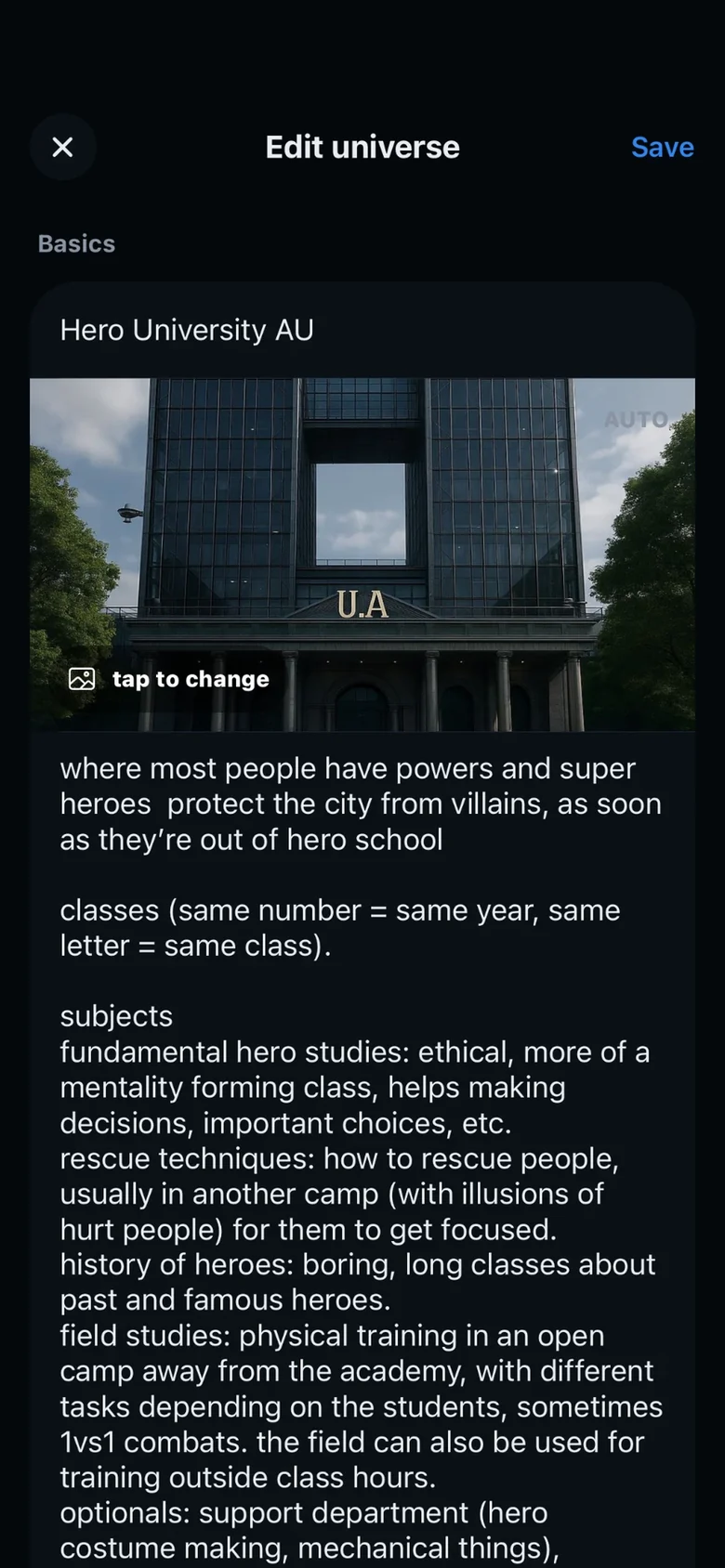
- NameThe name players see in their universe list and in Explore.
- CoverTap the cover to change it. Pick a wide image: the universe card shows it in 16:9.
- DescriptionWhat the universe is about. Players read it in Explore before they join, and in Universe details once they are in.
- CampaignWith Tabletop mode on in your Settings, a Campaign switch shows up here. It adds character sheets, dice, pinned posts, logs, quests and combat.
Access and discovery
- Invite codeFriends join with the invite code, without the universe being public. Share it with Share invite, in the ⋯ menu of the universe card.
- PublicOn, the universe shows up in Explore, where anyone can find it and add it to their favorites. Off, it stays out of Explore and players join with the invite code.
- Fandom and languageBoth are needed to make a universe public. Explore's filters and new universe alerts use them. Other and Original are at the end of the fandom list.
- TagsWords that describe the universe, like the kind of AU or its themes. Explore's search and tag filter use them. Tags take letters, numbers and spaces.
- 18+ universeOn, only players who confirmed they are adults can open the universe. Off, it is open to everyone.
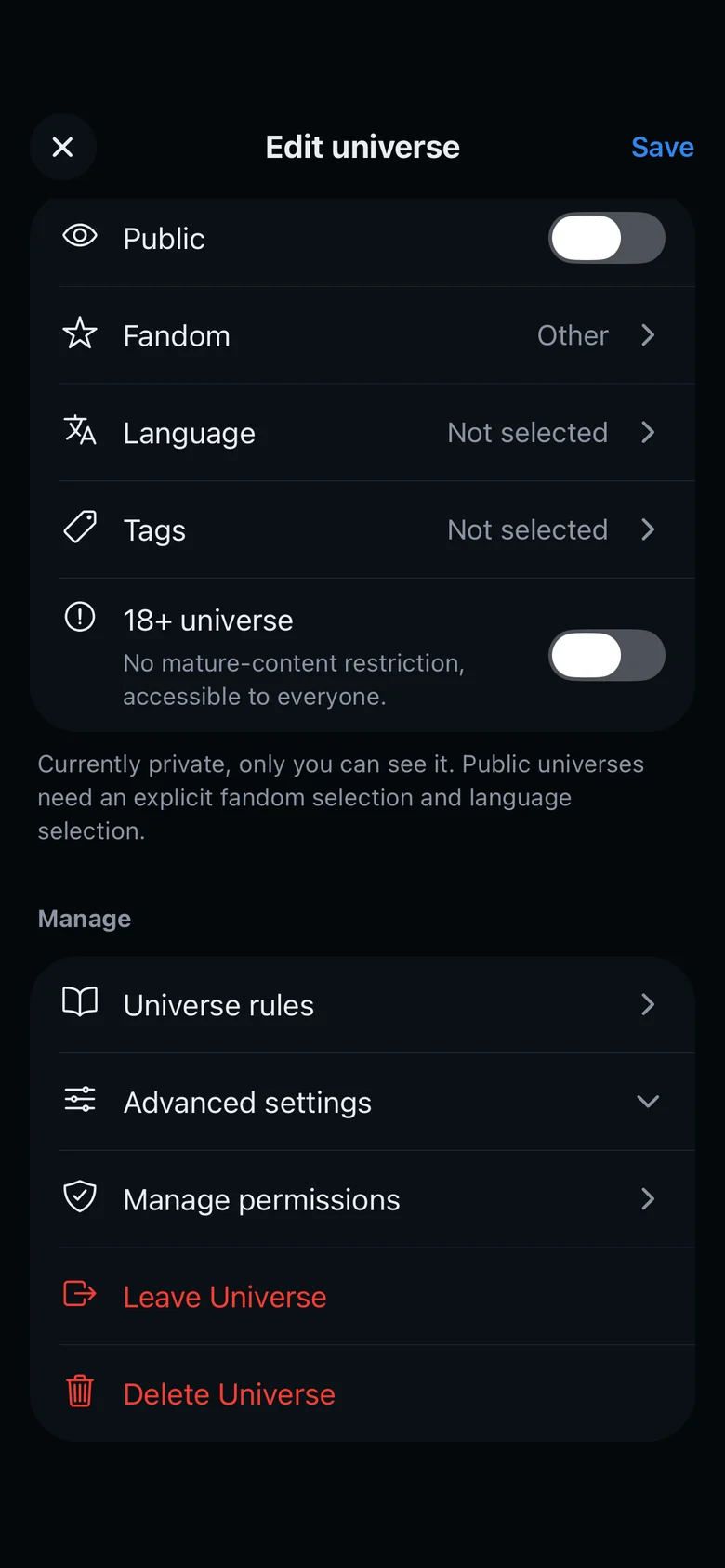
Advanced settings
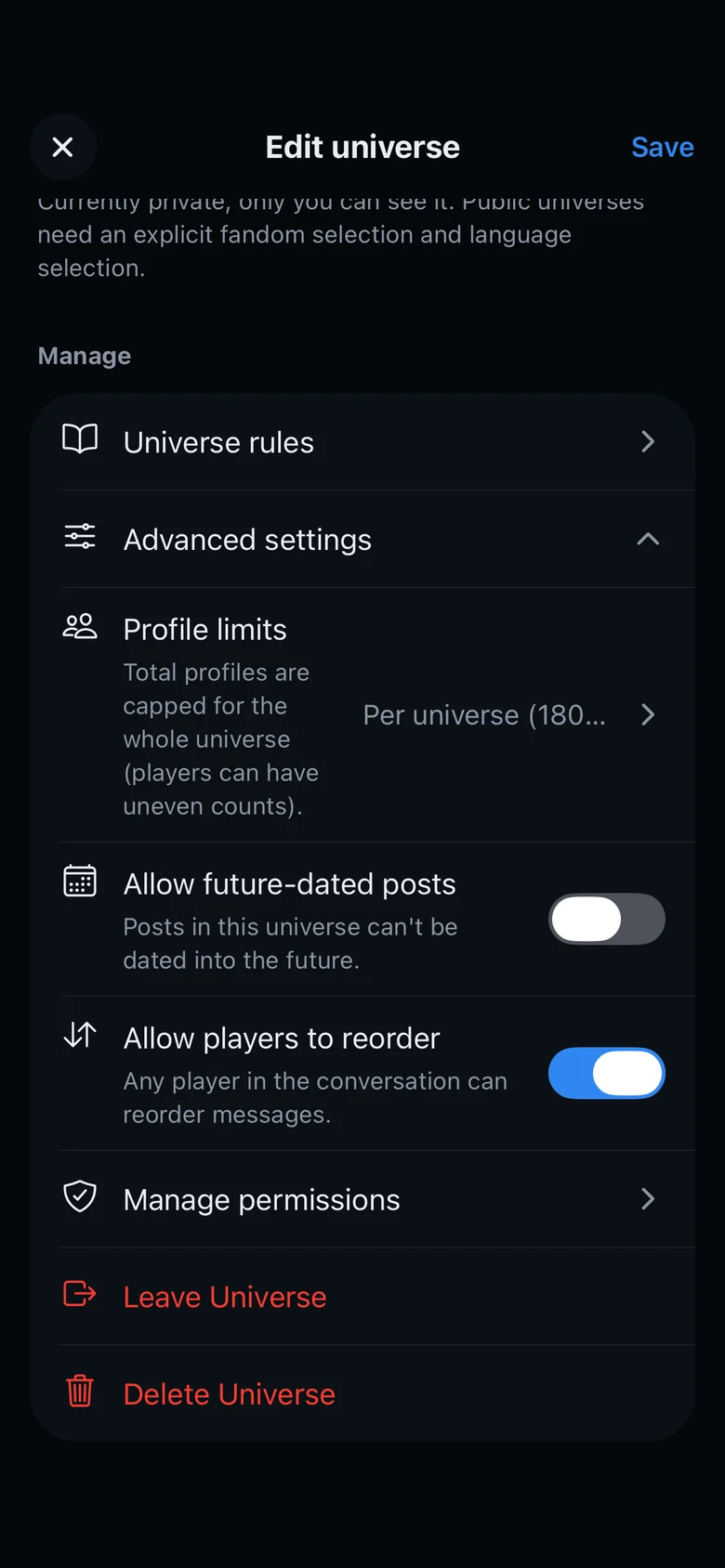
- Profile limitsPer universe caps the whole universe at 180 profiles, and players can have different counts. Per player caps each player at 15. You can't go back to Per player while someone has more than 15.
- Allow future-dated postsOn, players can date a post in the future, for a flash-forward or a planned event. Off, the latest date a post can have is now.
- Allow players to reorderOn, any player in a conversation can reorder its messages. Off, only the owner and admins can.
Rules, leaving and deleting
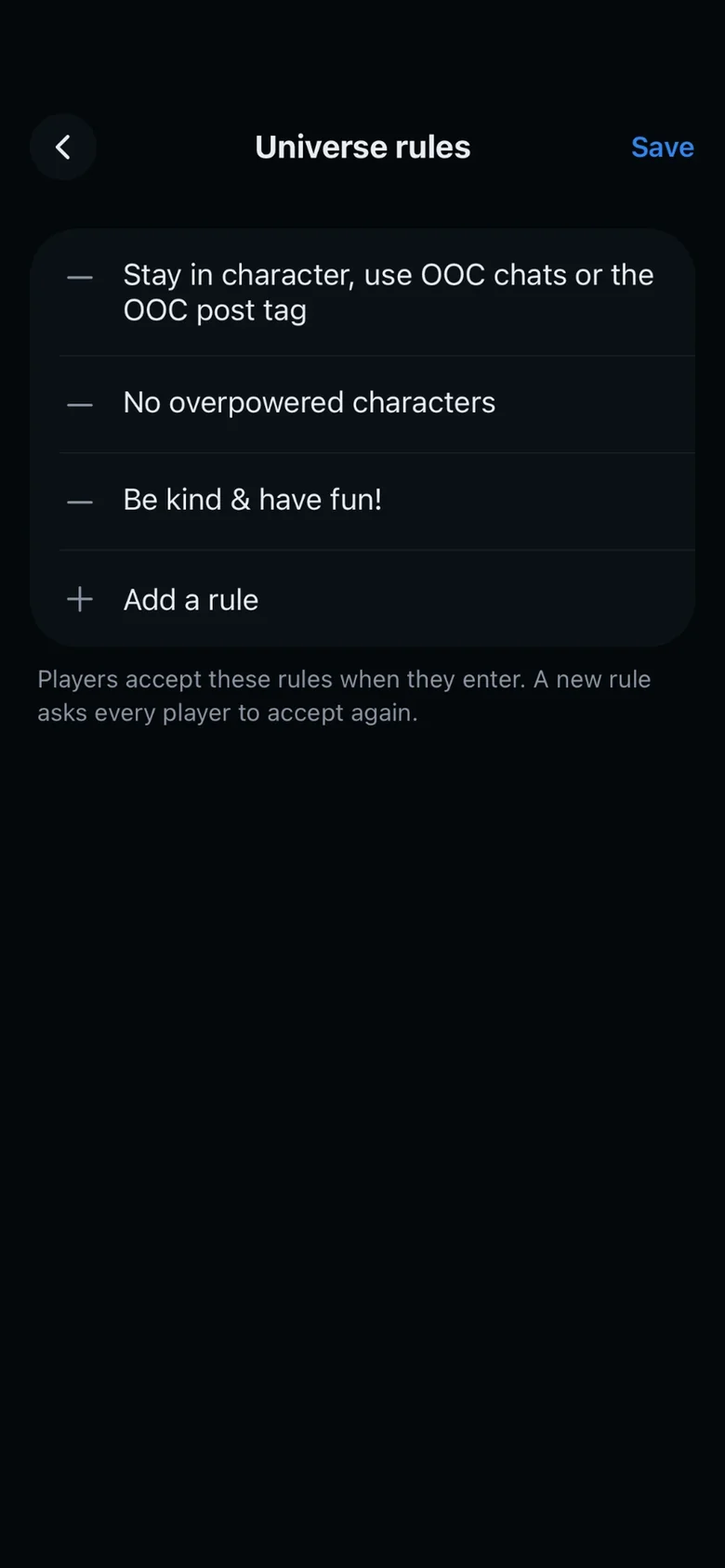
- Universe rulesTap Add a rule for each new rule. Players accept the rules when they enter the universe, and a new rule asks every player to accept again. They find them under Universe rules, in the menu inside the universe.
- Leave or deleteTo delete a universe, you type its invite code to confirm. An owner who wants to leave gives the universe to another player first.
Players
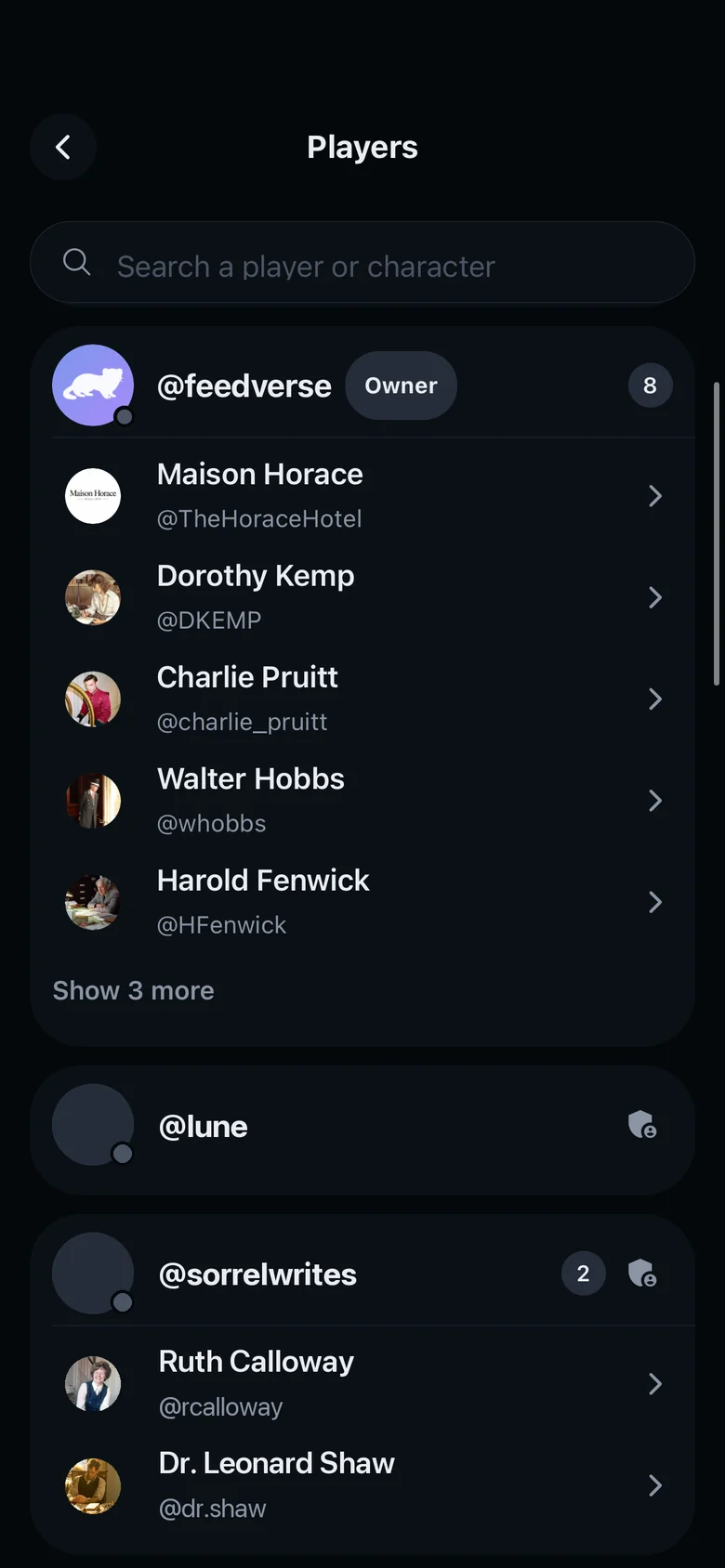
Manage permissions opens Players. Owners and admins can kick or ban a player, and a ban can also delete that player's profiles. Only the owner can give or remove admin rights and transfer ownership.