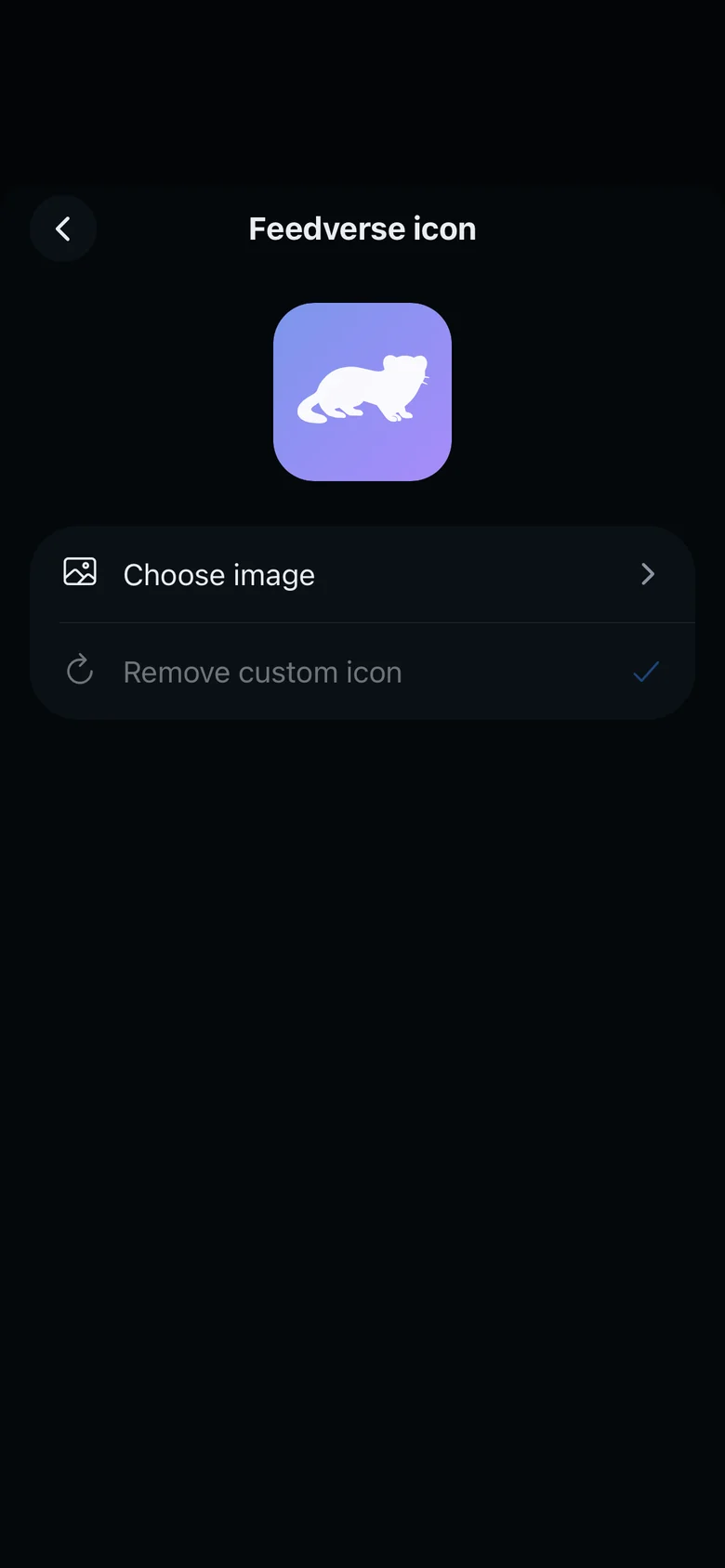
Themes, colors and the Feedverse icon
Feedverse follows your phone's light or dark mode, or stays light or dark if you choose. Premium adds 14 color themes, a theme editor to make your own, and your own Feedverse icon.
Your theme only changes the app on your phone. Other players see the app in their own theme.
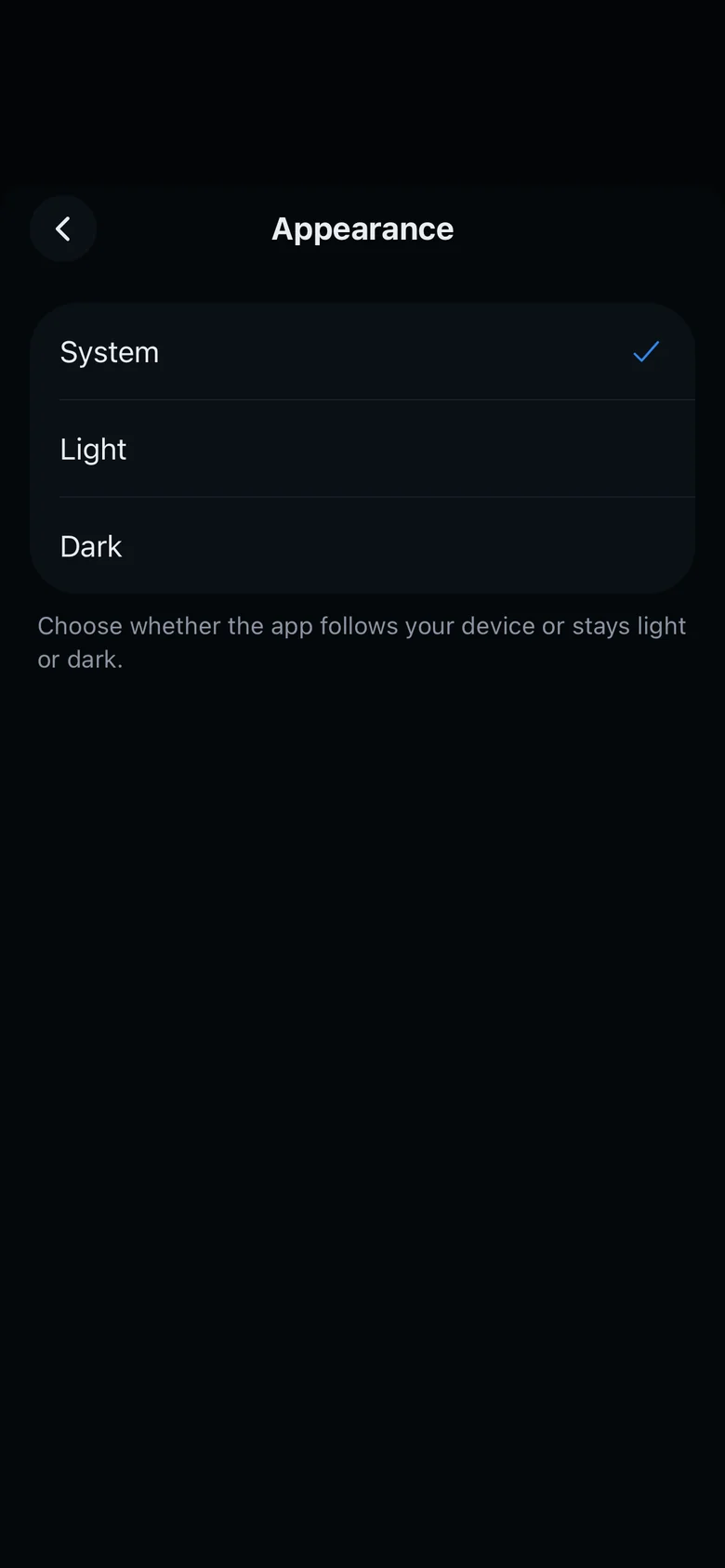
Appearance
In Settings, Appearance has System, which follows your phone, then Light and Dark. Appearance is free for everyone.
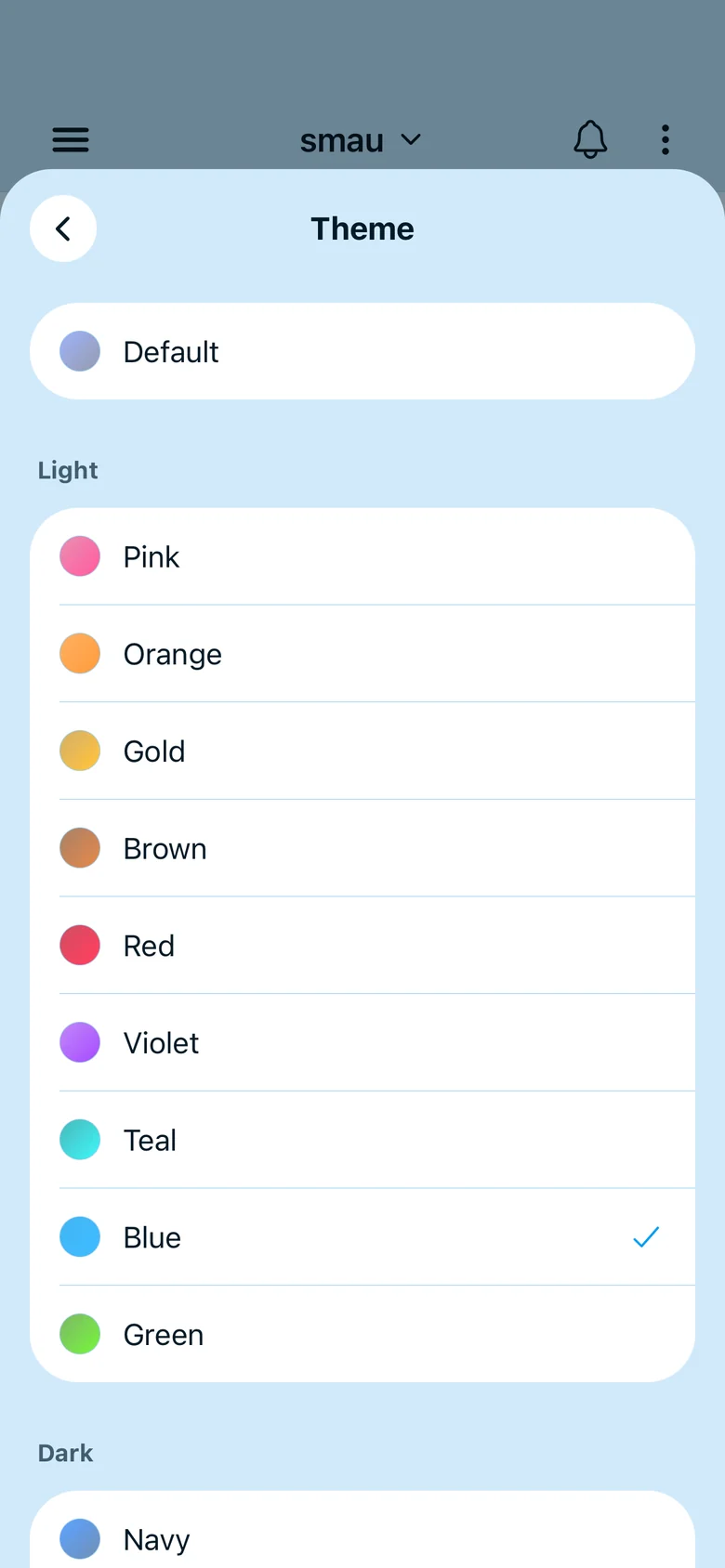
Themes
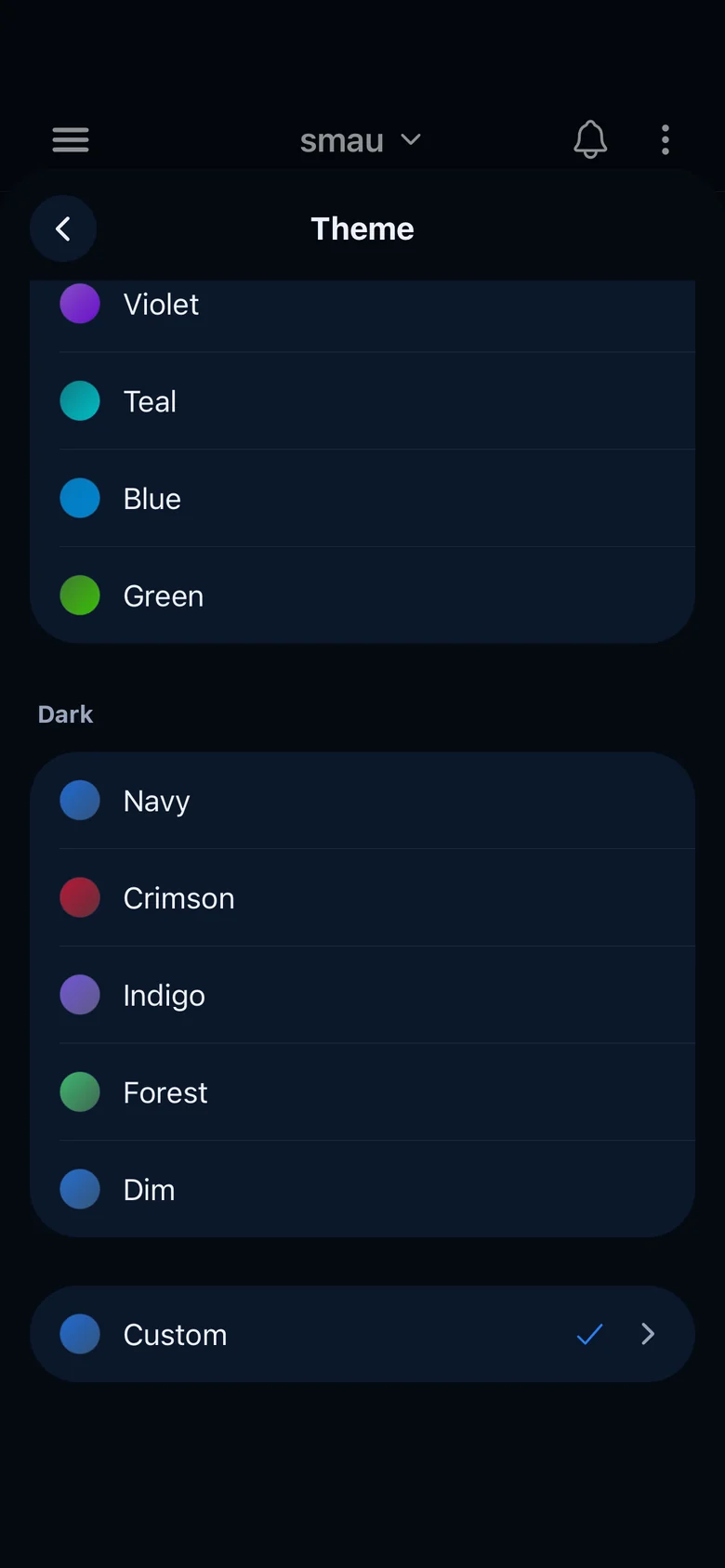
In Settings, Theme has 9 light and 5 dark themes. Default follows Appearance.
Theme editor
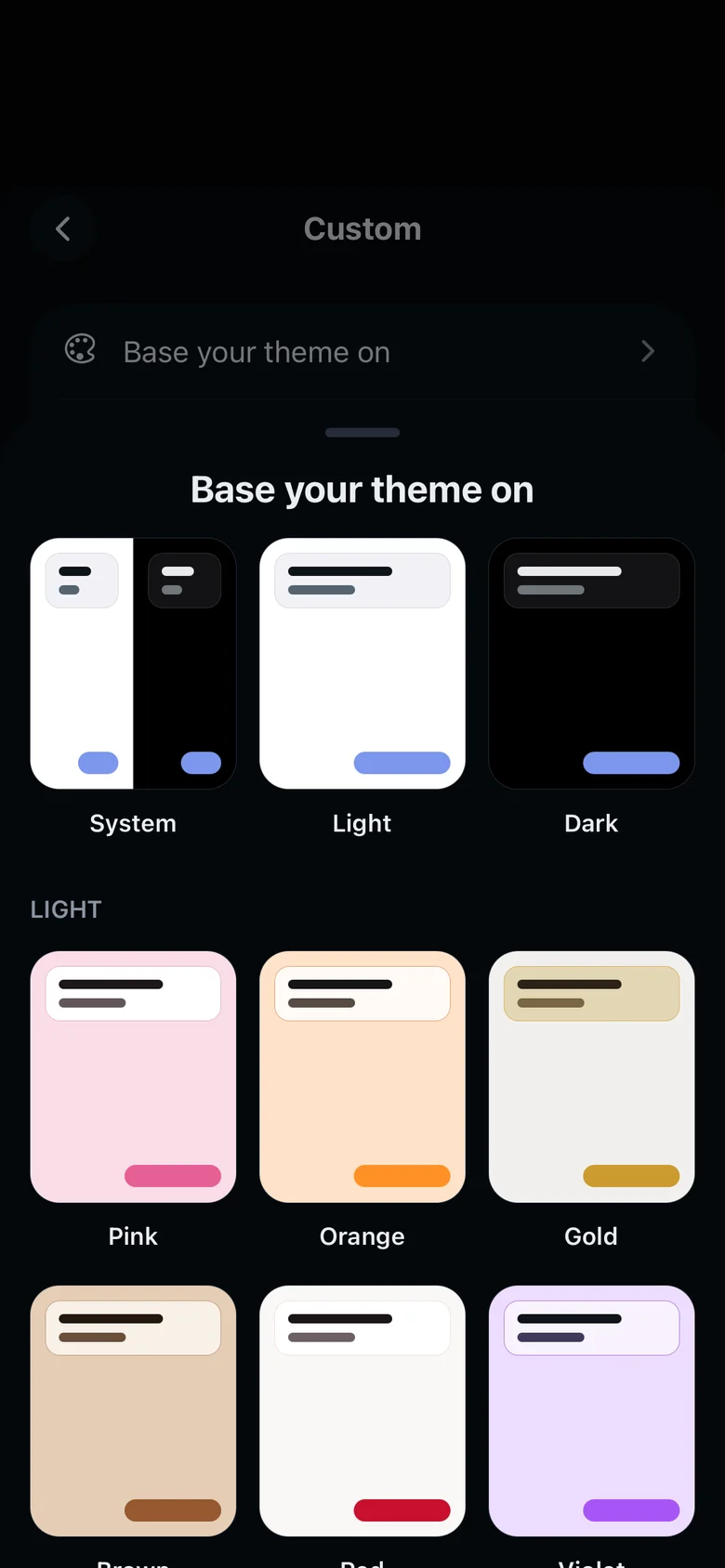
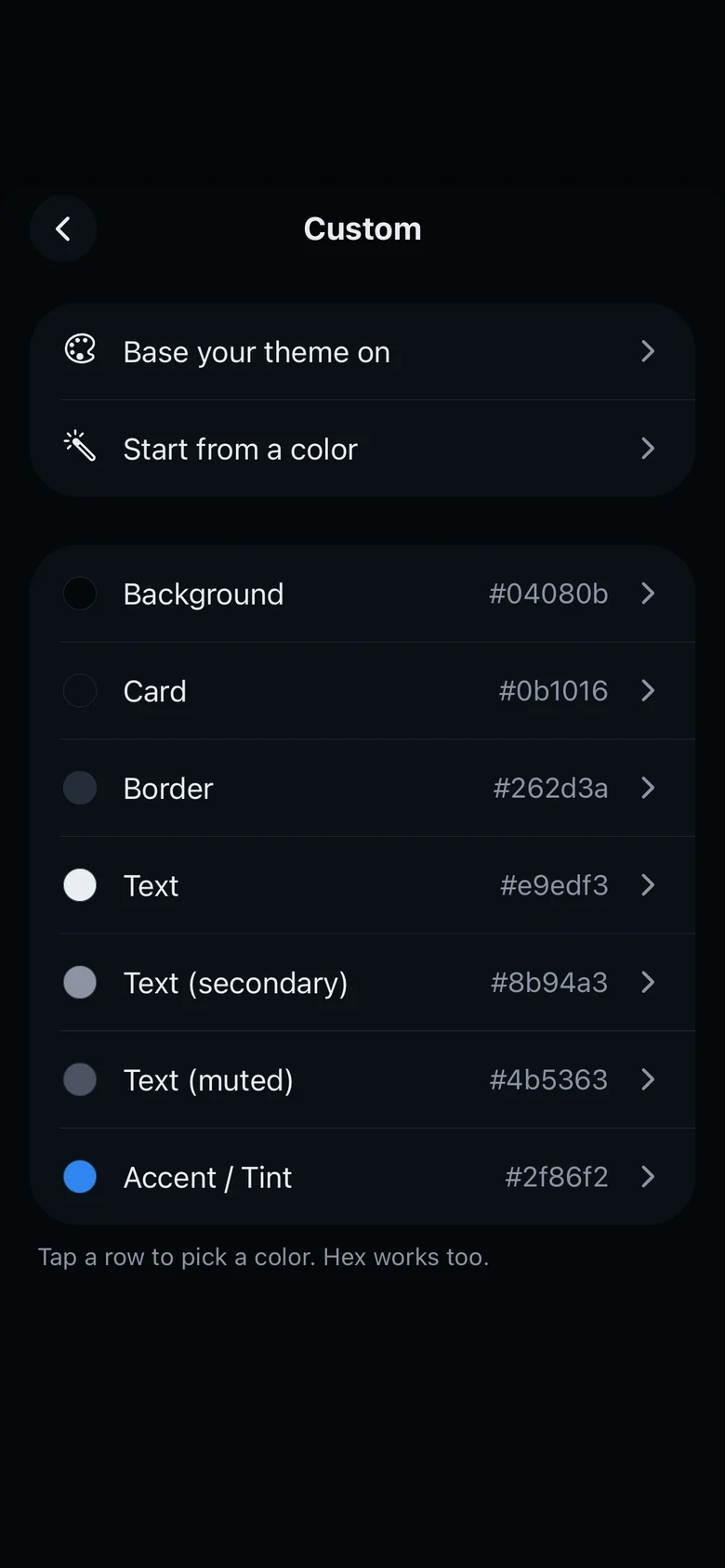
- Theme editorTap Custom to open the theme editor. With Base your theme on, you start from a copy of a theme. If you pick System there, only the accent color is kept and the rest follows Appearance.
- ColorsBackground, Card, Border, Text, Text (secondary), Text (muted) and Accent / Tint each set one color. Tap a row to pick a color, or type a hex code. If a color is hard to read on its background, it is marked, and Make it readable fixes its brightness.
Start from a color
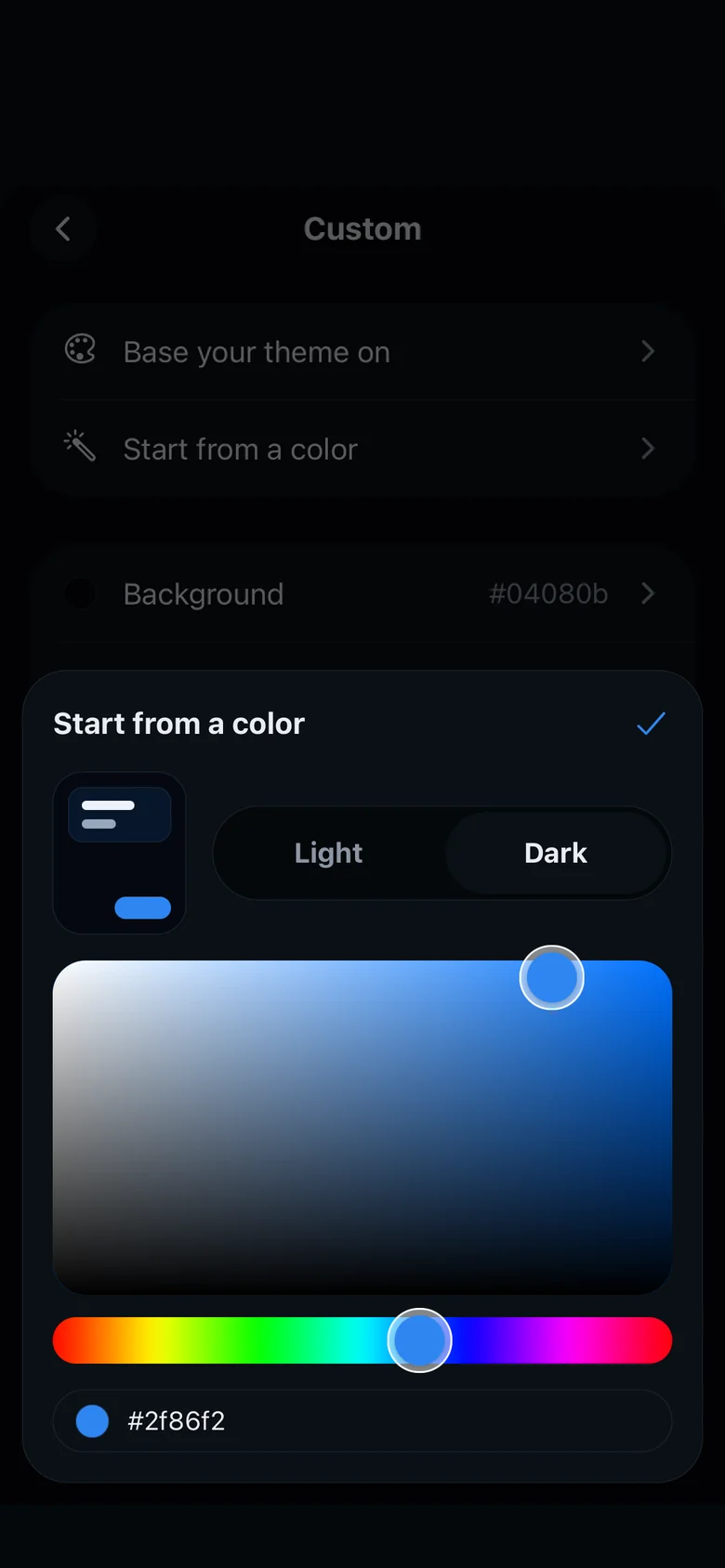
With Start from a color, pick one color and Light or Dark to get a whole theme from it, with a preview. Tap the check mark to use it.
Feedverse icon
In Settings, Feedverse icon puts your own image in place of the Feedverse logo at the top of the Posts feed. Tap Remove custom icon to get the logo back.